
How to Test MusicGPT in 5 Steps: What It Does and How It Compares by Task

Published: · Updated:
Want a second generator to compare? The Voicestars AI Song Generator creates vocals and music from the same brief.
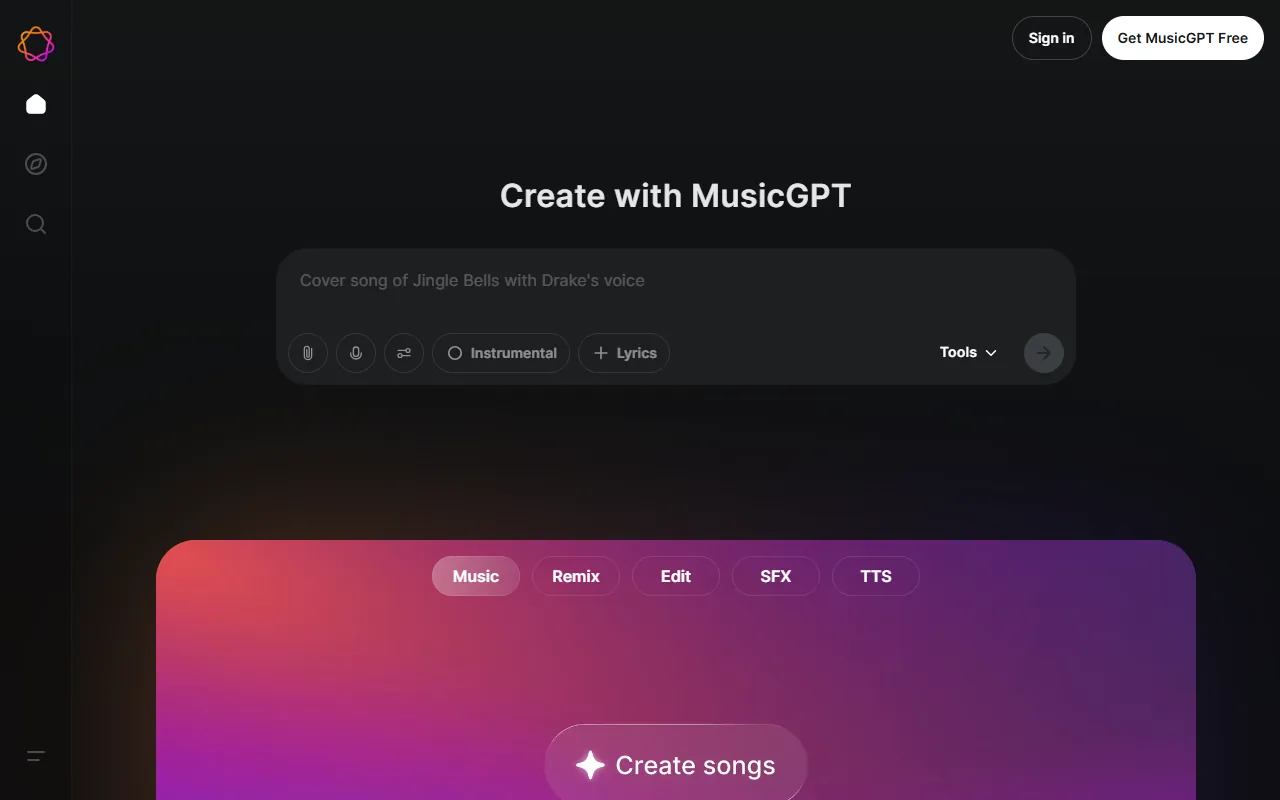
MusicGPT is a popular all-in-one AI music tool: its homepage describes song, beat and instrumental generation, plus stem splitting and voice changing.
This review explains what it covers and gives five steps to test it fairly against alternatives.
We reviewed the MusicGPT homepage, Suno’s pricing page and the Voicestars song generator and stem splitter on 11 November 2026.
Verdict in one paragraph
MusicGPT is an AI music platform that generates songs, beats and instrumentals and also offers stem splitting, voice changing and enhancement, according to its homepage. To judge it, reuse one brief across MusicGPT and an alternative, compare two takes each on headphones, test the extra tools on your own files and check commercial rights.
- 01 Brief Same prompt everywhere
- 02 Takes Two per tool
- 03 Judge Lyrics, chorus, mix
MusicGPT versus alternatives by task
Features as described by each site on the verification date.
| Task | MusicGPT | Alternative | Check |
|---|---|---|---|
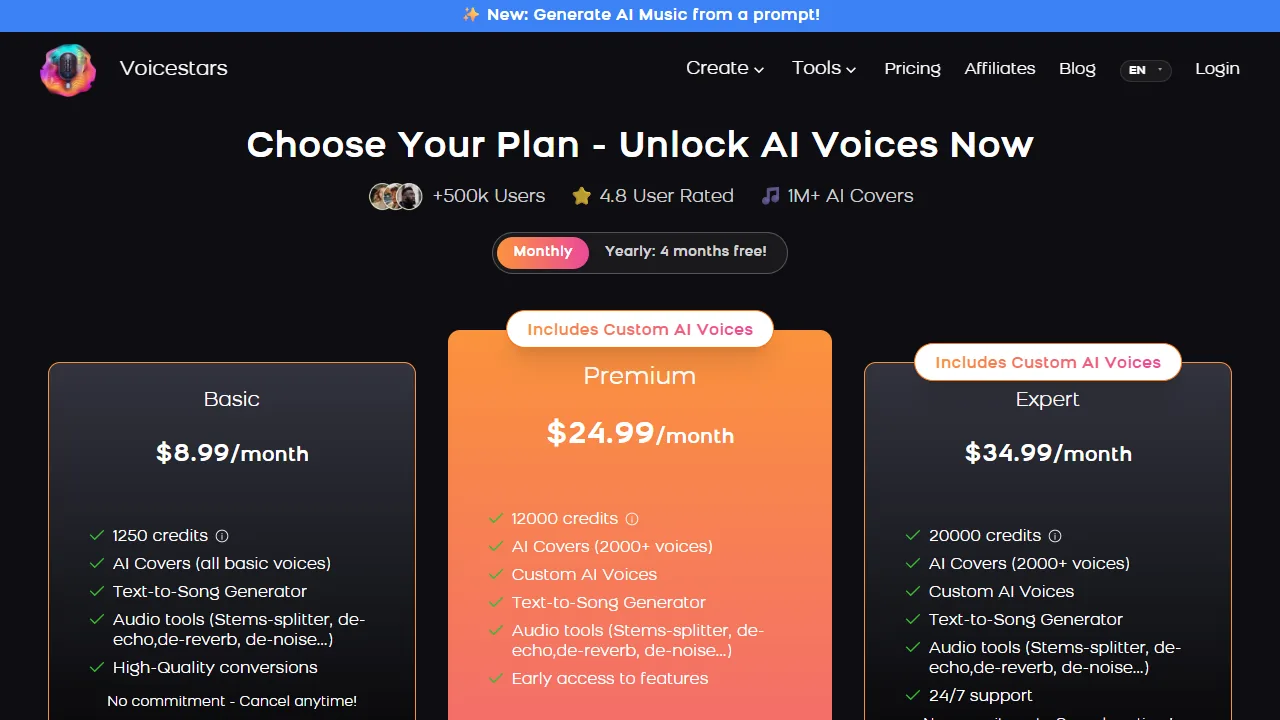
| Generate a song | Listed: songs, beats, instrumentals | Voicestars AI Song Generator, Suno | Commercial rights by plan. |
| Split stems | Listed on its homepage | Voicestars Stems Splitter, Ultimate Vocal Remover | Quality varies by mix. |
| Change a voice | Listed on its homepage | Voicestars AI voices | Voice catalogue and labelling. |
| Enhance audio | Listed on its homepage | Dedicated noise and reverb removers | Before/after on your own files. |
Voicestars combines song generation with AI voice conversion, so you can change the singer of a generated song.
Sources: MusicGPT official site · Suno pricing page · Voicestars AI Song Generator
Test MusicGPT fairly in 5 steps
The same brief in every tool is what makes the comparison meaningful.
- Write one test brief you will reuse everywhere: genre, mood, tempo, voice type and two short verses.
- Generate two takes in MusicGPT and two in an alternative with the same brief, and keep the best of each.
- Judge on headphones: are the lyrics intelligible, does the chorus repeat, does the mix sound finished?
- Test the extra tools you actually need, such as stem splitting or voice change, on one of your own files.
- Check the plan’s download formats and commercial rights before choosing.
Example: a reusable test brief
An original brief for comparing generators.
Prompt: synth-pop, 110 BPM, bright female vocal
[Verse] Neon on the water, city never sleeps
[Chorus] Run with me tonight, run with me tonight
What to check
- Genre, tempo and voice are explicit.
- Lines are short.
- The chorus repeats.
All-in-one versus specialised tools
MusicGPT bundles several tools on one site, which is convenient for quick projects.
Specialised tools can go further on one task: dedicated stem splitters, voice catalogues or song generators.
Test only the features you need; a long feature list matters less than how well your main task works.
For a broader comparison, read our AI music generator guide.
Fix common testing mistakes
| Symptom | Likely cause | What to do |
|---|---|---|
| Lyrics unclear | Long lines | Shorten lines and label sections. |
| Wrong genre | Vague prompt | Name genre, tempo and voice type. |
| Unfair comparison | Different briefs | Reuse the exact same brief. |
Generate a song with vocals on Voicestars
Describe the song, add lyrics if you have them, and change the singer afterwards if you want.
- Describe genre, mood and tempo in the AI Song Generator.
- Paste your lyrics or let the generator write them.
- Keep the best take and convert the vocal with a singer voice if needed.
Need stems from a generated song? Use the Voicestars stem splitter.
Trade-offs to know
How we ran the comparison
Tested and written by Big Jeezy, music producer, on 11 November 2026, using Voicestars and the tools named in this guide.
- The MusicGPT homepage, Suno’s pricing page and the Voicestars song generator and stem splitter reviewed 11 November 2026; screenshots captured that day.
- Examples are original.
Screenshots and examples come from these sessions. Voicestars publishes this guide and sells the voice tools it mentions.
Report a correction to Voicestars Editorial with the page, date, a short reproducible example and the observed result. Avoid sending private recordings. See our editorial policy.
Questions before you choose
What is MusicGPT?
An AI music platform whose homepage describes creating songs, beats, instrumentals and sounds, plus stem splitting, voice changing and audio enhancement.
Is MusicGPT good?
It depends on your brief. Test the same prompt in two generators and compare intelligibility and mix quality.
MusicGPT vs Suno: which is better?
Both generate songs from prompts. Compare them on your own brief and check rights and download options for each plan.
Is MusicGPT free?
Check its pricing page; free tiers of music generators usually limit generations and commercial use.
Can I use MusicGPT songs commercially?
Only if your plan includes commercial rights. Read the terms before publishing.
Sources we used
Checked on 11 November 2026.
See features on the MusicGPT homepage, and compare with Suno’s pricing page.


