
How to Make Satoru Gojo AI Lines in 5 Steps: Text, Your Voice or a Cover

Published: · Updated:
Want to try now? Open the Gojo AI voice generator and type a confident line.
Satoru Gojo’s relaxed, teasing confidence makes him one of the most quoted characters in Jujutsu Kaisen and a favourite for anime edits. A Gojo AI voice lets you voice your own lines in his style.
This guide shows three ways to make a Gojo AI voice in five steps and how to write lines that sound like him.
We reviewed the Voicestars AI Gojo voice page and the Wikipedia entry for Satoru Gojo on 19 November 2026.
Make Gojo say your line
AI Gojo is preselected. Type a confident, teasing line, or upload your own recording.
The quick version
Open an AI Gojo voice page, type a relaxed, teasing line in the Text-to-Speech tab (up to 1,000 characters) or upload your own playful recording, then generate and download. Mark pauses with ellipses, keep clips under 10 seconds and label them as AI fan content.
- 01 Write Relaxed, teasing, confident
- 02 Generate Text or your own take
- 03 Share Labelled fan content
Three ways to get a Gojo voice
Limits read from the Voicestars tool on 19 November 2026.
| Input | Best for | Limit | Tip |
|---|---|---|---|
| Typed text | Edits, memes, quotes in your own words | Up to 1,000 characters per request | Playful confidence, short sentences. |
| Your own recording | Timing, laughs, dramatic pauses | Up to 150 MB per file | Speak relaxed and teasing. |
| A song | Anime-style covers | Vocals separated automatically | Mid-range songs suit the voice. |
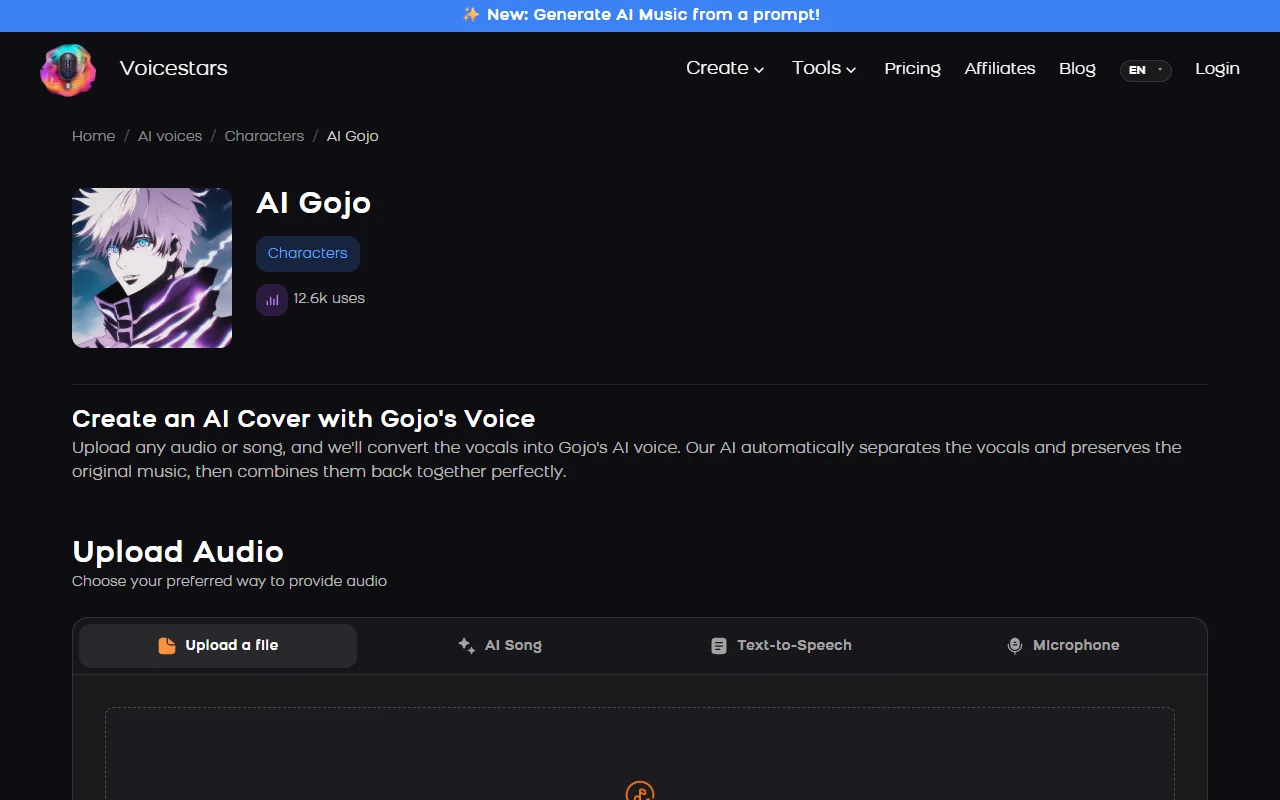
The Gojo page accepts typed text, an uploaded file, an AI song or a microphone recording.
Sources: Voicestars AI Gojo voice page · Wikipedia: Satoru Gojo · YouTube Help: Disclosing use of GenAI content
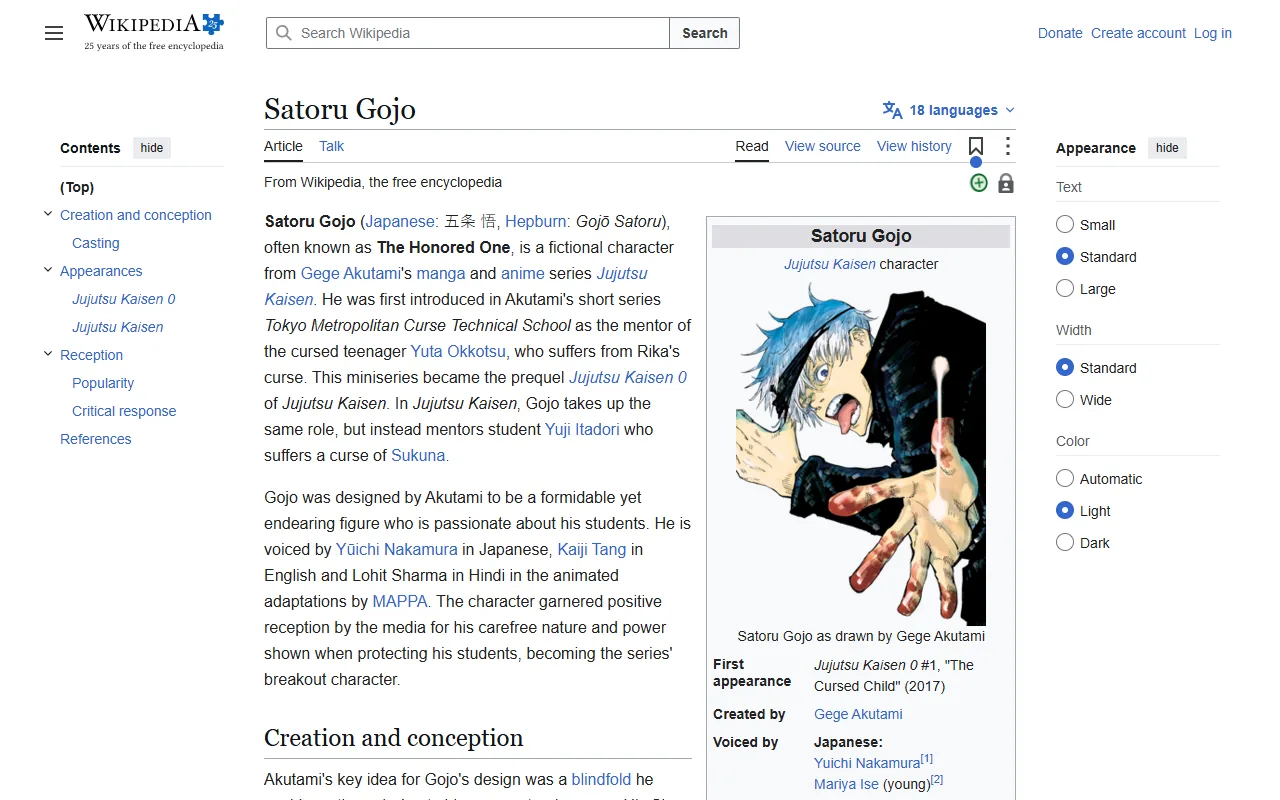
Make a Gojo AI voice in 5 steps
Step 1 is where the character comes from.
- Write a line in his style: relaxed, teasing, supremely confident, with a dramatic pause before the punchline.
- Open the AI Gojo voice page and type it in the Text-to-Speech tab, or upload your own relaxed, playful delivery.
- Generate and listen; mark pauses with ellipses and regenerate lines that rush.
- Keep each clip under about 10 seconds for edits and add it to your video.
- Label it as AI fan content, credit Jujutsu Kaisen and keep it non-commercial.
Example: three original lines in his style
Original lines, not taken from the series.
Relax. I’ve got this… probably.
You brought friends? Cute.
Homework first, then we save the world.
What to check
- Playful and confident.
- A pause before the punchline.
- Original text, not episode dialogue.
Who Gojo is, for context
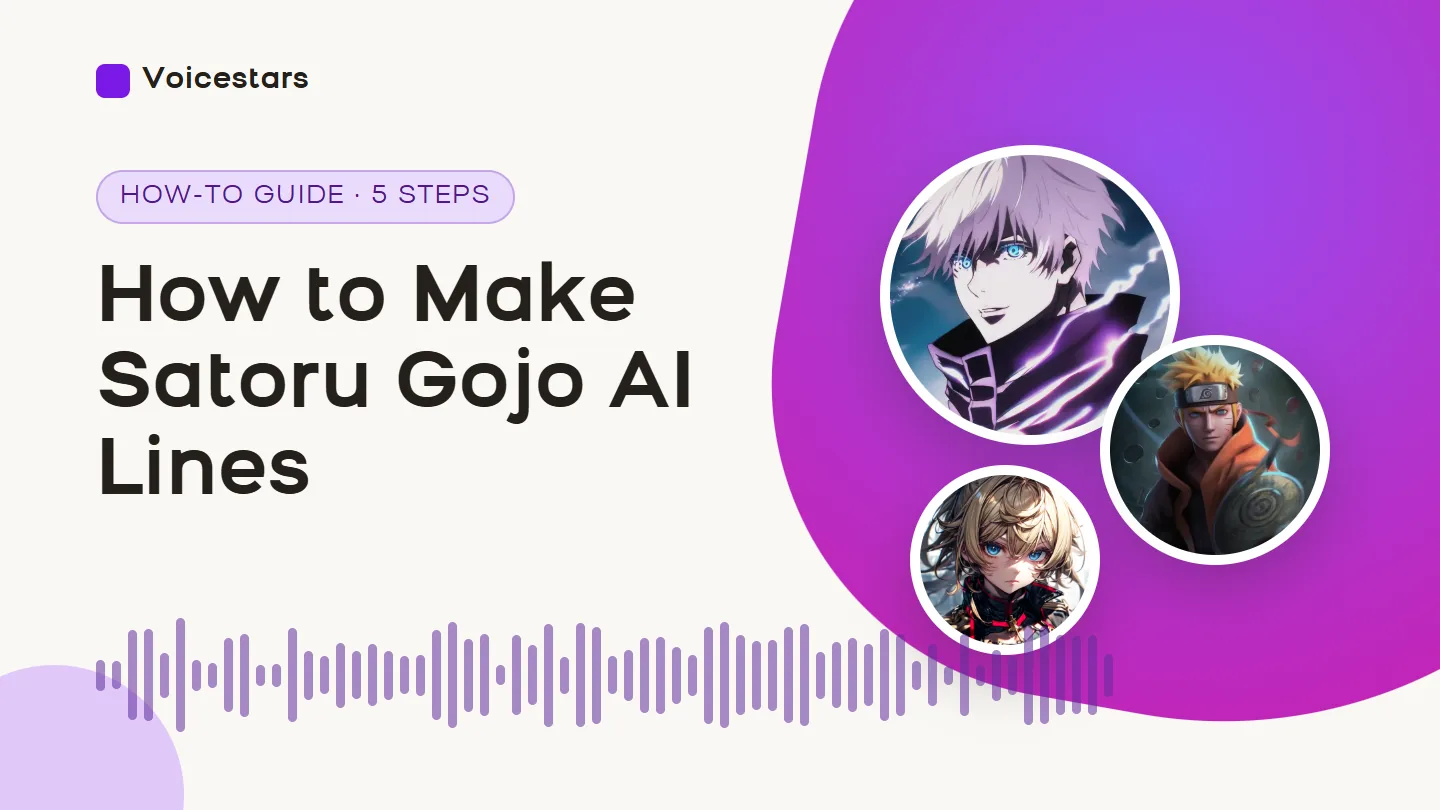
Satoru Gojo is a character in Jujutsu Kaisen by Gege Akutami, first appearing in Jujutsu Kaisen 0 (2017); the anime adaptation is by MAPPA.
Yuichi Nakamura voices him in Japanese and Kaiji Tang in English, according to Wikipedia.
AI voices copy the sound; your script supplies his attitude, so write original lines rather than copying episodes.
For more anime voices, read our anime voice guide.
Fix common Gojo AI voice problems
| Symptom | Likely cause | What to do |
|---|---|---|
| Sounds too serious | Line lacks his playful tone | Add a tease or a confident aside. |
| Pause missing | No punctuation | Use ellipses before the punchline. |
| Text rejected | More than 1,000 characters | Split into short lines. |
| Metallic artefacts | Music or reverb in the input | Upload a dry recording. |
Do it with Voicestars
On any voice page you can upload a file, generate an AI song, type text or record with your mic.
- Open the Gojo voice page and play the demo.
- Type your line in the Text-to-Speech tab, or upload a dry recording.
- Check the result against the demo, then label it as AI before you post it.
Building your own character? See our character AI voice guide.
Rules to respect
Fan-content policies of rights holders can change; this is not legal advice.
How we tested the voice
Tested and written by Big Jeezy, music producer, on 12 November 2026, using Voicestars and the tools named in this guide.
- The Voicestars AI Gojo voice page and the Wikipedia entry for Satoru Gojo reviewed 19 November 2026; screenshots captured that day.
- Voice page check on 19 November 2026: the AI Gojo page showed 12.6k uses and four inputs (screenshot below).
- Voicestars accepts up to 1,000 characters per text request and files up to 150 MB.
Screenshots and examples come from these sessions. Voicestars publishes this guide and sells the voice tools it mentions.
Report a correction to Voicestars Editorial with the page, date, a short reproducible example and the observed result. Avoid sending private recordings. See our editorial policy.
Fan questions
Is there a Gojo AI voice generator?
Yes. The Voicestars AI Gojo page reads typed text or converts a recording or song; it showed 12.6k uses on 19 November 2026.
Who voices Satoru Gojo?
Yuichi Nakamura voices Gojo in Japanese and Kaiji Tang in the English dub of Jujutsu Kaisen, according to Wikipedia. AI voices imitate the character’s sound, not the actors.
How do I make Gojo text to speech?
Type a short line in the Text-to-Speech tab of the voice page; the inline tool accepts up to 1,000 characters per request. Ellipses help create his dramatic pauses.
Can I make Gojo sing?
Yes. Upload a song or your own sung vocal on the Gojo page and it converts the vocal. Mid-range songs work best; very high or very low melodies strain a speaking-voice model.
Where does Gojo come from?
He is a character in Jujutsu Kaisen by Gege Akutami, first appearing in Jujutsu Kaisen 0 (2017); the anime is produced by MAPPA, according to Wikipedia.
Can I post Gojo AI clips?
Fan edits are common, but the character belongs to the series’ rights holders. Label clips as AI fan content, avoid copying episode dialogue at length and do not monetise them.
Sources we used
Checked on 12 November 2026.
Read Satoru Gojo on Wikipedia and YouTube’s GenAI disclosure rules.


