Create an AI character voice that stays consistent across scenes

Published: · Updated:
An AI character voice needs to fit the character and remain recognizable from one scene to the next. A lower pitch alone will not create a convincing guardian, narrator or comic sidekick.
Start with the character’s delivery, choose an AI character voice generator that fits your input and audition the same short lines before producing a long scene.
This guide focuses on reusable audio for an original character. It also explains how that task differs from hearing a character speak inside Character.AI.
The brief and audition script are original exercises. Product descriptions are attributed to their providers; no character audio or comparative voice-quality test was generated for this guide.
Give your character a voice now
Pick a character voice, type a line, or upload your own acted recording.
Quick answer
To make a consistent AI character voice, write a brief covering pace, energy, accent and pronunciation, then test one voice on a neutral line, an emotional line and a question. Use text-to-speech for a written script, or voice conversion for an existing performance. Character.AI’s chat voices are a separate in-app conversation workflow, not proof of a downloadable production pipeline.
- 01 Define A short voice brief
- 02 Audition Three lines, one voice
- 03 Reuse Save the voice and settings
Original editorial workflow diagram; not a product screenshot or test result.
Choose a character voice generator by the material you have
The word “character” can describe a fictional role, a catalogue category or the Character.AI service. Select the output you need first, then check whether the chosen tool can deliver it.
| Starting material | Workflow | Check before committing |
|---|---|---|
| A written scene | Text-to-speech with a suitable voice | Pronunciation, delivery controls and export access. |
| A performed dialogue or sung line | Voice conversion | Input requirements and preservation of timing. |
| An interactive Character.AI conversation | Assign a voice inside that service | Current voice settings and conversation behavior. |
Sources: Google Cloud: audio from text · Character.AI creator guide: greeting and voice · Voicestars voice catalogue
Build a reusable character voice in six steps
- Define the role in one sentence. Describe who the character is speaking to and what they want. Use a delivery direction such as “calm and precise, with short pauses” instead of only “epic”.
- Write a compact voice brief. Specify pace, energy, vocal range, accent and difficult-name pronunciations. Choose a few stable traits that can survive both quiet and emotional scenes.
- Choose text-to-speech or conversion. For conversion, record a clear performance first; for text-to-speech, prepare clean script lines. Verify the exact tool’s export and input requirements.
- Audition the same three lines. Include a neutral statement, a more urgent line and a question. Keep the voice and settings stable so you can hear whether the character survives the change of emotion.
- Compare in the scene. Place the audition against a simple background and listen for intelligibility, timing and identity. Adjust one direction or setting at a time.
- Save a character voice sheet. Store the brief, selected voice, settings, pronunciation notes and accepted takes. Reuse those references at the start of the next session.
An original voice sheet and three-line audition
The fictional role below is a proposed exercise: a patient lighthouse keeper guiding a visitor through a storm. It is designed to test consistency without imitating a named performer. Read or synthesize each line with the same core vocal identity.
CHARACTER: Mara, lighthouse keeper
DELIVERY: measured pace; warm, direct; restrained urgency
ACCENT: choose one and retain it across all lines
AVOID: a new dramatic voice for each emotion

Neutral: “The lamp is ready. We can begin.”
Urgent: “Stay beside the rail. I will bring the light.”
Question: “Did you hear the bell beyond the harbor?”
What to check
- Does the urgent line sound like Mara speaking faster, or like an unrelated character?
- Can you understand “rail” and “harbor” with the scene’s background playing?
- Does the question sound directed at another person rather than read from a list?
- Keep one accepted neutral line as the reference for future scenes.
Character.AI voice chat and production audio are different goals
If you mean the Character.AI service, its creator guide describes choosing a library voice or creating one from a clear audio clip, with visibility controls. That gives a character a voice inside the service. Follow its current interface and documentation rather than assuming a studio-style export option.
For an animation or a repeatable narration series, decide how you will obtain files and organize takes before writing the entire episode. Save each line with a scene and take identifier so a changed sentence can be replaced without regenerating every other line.
A strong character direction combines behavior with sound. “A careful keeper explaining a dangerous path to a stranger” gives an actor or a generation prompt a more concrete task than “low fantasy voice”. Keep the emotional change in the line while retaining the stable traits in the voice sheet.
Keep the voice recognizable when the scene changes
| Problem | What to compare | Useful revision |
|---|---|---|
| Identity changes between lines | Neutral reference versus emotional line | Keep the voice fixed and simplify the delivery instruction. |
| Names change pronunciation | Repeated proper nouns | Add a pronunciation note and audition the word alone. |
| The line is clear alone but lost in-scene | Dialogue with the background present | Reduce background masking before changing voices. |
| Conversion changes the timing | First consonant and final vowel in source/output | Try a cleaner performance and inspect alignment. |
| Every line sounds equally dramatic | Direction for each scene beat | Use specific intentions and reserve intensity for a reason. |
Use Voicestars for a performed character vocal
For an existing performance, use the catalogue to explore a conversion workflow. Searching a voice name does not guarantee a match or establish permission to impersonate a performer. The voice search below opens the catalogue without spending generation credits.
- Search for the voice or character model you want to inspect. Read the available model information before selecting it.
- Keep a dry short performance and use the same line for every candidate. Review the selected model’s upload screen and account conditions.
- Compare converted takes against the reference sheet. For a personal model, inspect the separate voice-training flow rather than assuming conversion also trains a reusable identity.
Product reference: Voicestars voice catalogue
Product reference: Voicestars personal voice training
Make the first scene easy to reproduce
Keep a note of the source performance or script, voice identifier and visible settings. If you cannot reproduce the neutral line in the next session, solve that before committing a long scene.
Use your own voice or material you are allowed to use for the exercise. A familiar character name in a library is not evidence of endorsement or permission for your intended production.
The useful outcome is a repeatable character identity and a documented audio workflow. No tool in this guide is assigned a realism score, and no provider’s output quality is ranked.
Evidence, method and responsibility
Research and interface checks: 8 November 2026. Maintained by Voicestars Editorial under the Nolan Vale pen name. This role is not a claim of an independent qualification or an endorsement by the cited organizations.
- Documented: the linked primary product and help pages were reviewed for the workflows described, on 8 November 2026.
- Prepared: an original workflow diagram, a short exercise and a symptom-based review checklist. These are editorial guidance, not measured outputs.
- Not performed: a paid generation, uploaded test recording, matched audio-quality comparison or latency benchmark for this article.
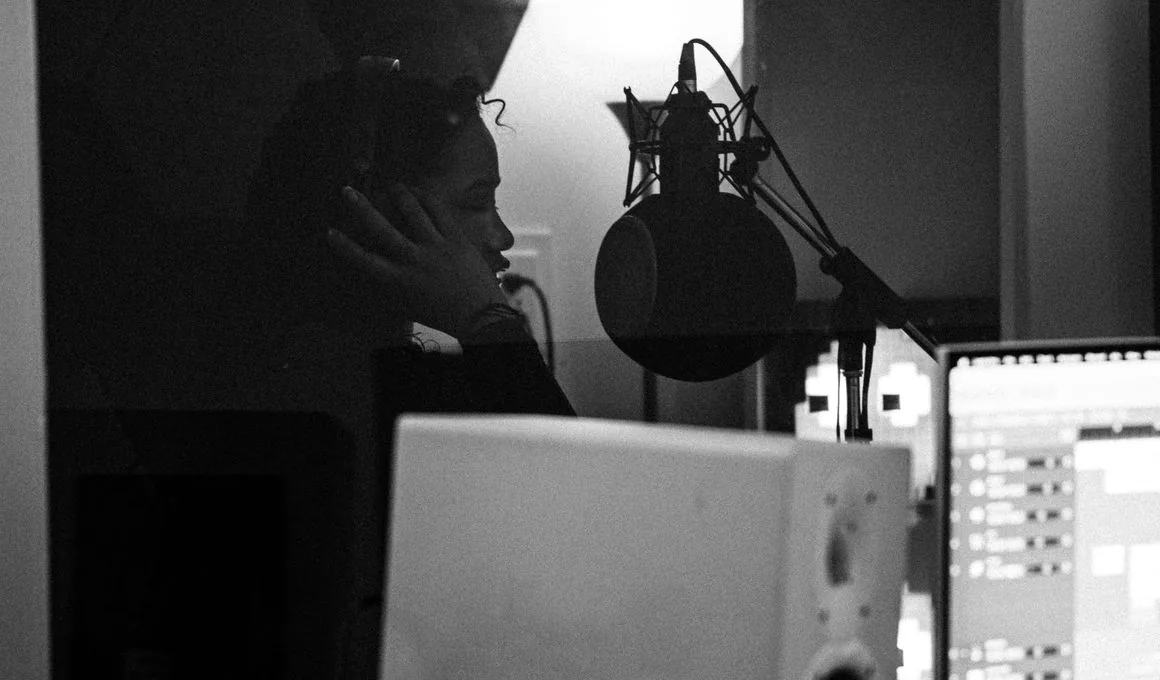
- Media: the credited photograph is reused from the existing Voicestars editorial asset library. It illustrates production and does not document a test.
- Commercial context: this article is published by Voicestars and includes a relevant Voicestars workflow. No provider is ranked by unmeasured audio quality.
We distinguish provider documentation, observed interface behavior and proposed exercises. Screenshots are our actual browser captures; a screenshot of a form does not prove audio quality. No invented measurements, reviewer credentials or user ratings are used.
Report a correction to Voicestars Editorial with the page, date, a short reproducible example and the observed result. Avoid sending private recordings. See our editorial policy.
Frequently asked questions
What is an AI character voice?
It is a synthesized or converted voice used to perform a fictional role. The production workflow depends on whether you start with written text or a recorded performance.
Is this the same as Character.AI Voice?
No. Character.AI Voice is a feature of that conversation service. This guide mainly addresses consistent audio for an original character and explains the distinction.
Should I use text-to-speech or voice conversion?
Choose text-to-speech when your source is a script. Choose conversion when a recorded performance already supplies the timing and expression you want to preserve.
How do I keep the voice consistent?
Reuse the same voice and stable settings, retain a pronunciation sheet and compare each new scene against an accepted neutral reference.
Can I create a personal voice in Voicestars?
Voicestars has a separate voice-training workflow. Review its recording requirements and account conditions; training is distinct from converting a short line.
Is there a generated audition I can listen to?
No. The three-line audition is an original exercise for the reader. No generated sample, actor endorsement or comparative audio test is claimed.
Sources and verification date
Consulted 8 November 2026. Provider features and account conditions can change. Product documentation is distinguished from the original exercises proposed in this guide.