
Ghostface Voice Changer: 4 Ways to Get the Scream Voice, From Mask to AI

Published: · Updated:
Want a converted clip rather than a live effect? Record your line, then try the Scream 7 AI voice generator, an AI voice model you can audition before converting anything.
Ghostface’s voice is one of horror’s most recognisable sounds, and every Halloween people look for a voice changer that recreates it. The surprise is that the films do not rely on a magic gadget: the voice is an actor’s performance shaped to sound like a phone call.
This guide explains what really creates the effect and which voice changer to get for a costume, a live call or a clip. Then six steps recreate it with a costume changer, a free app, an audio editor or an AI voice.
We reviewed public sources on the films and the documentation of the tools mentioned.
Make the Scream-style voice say your line
AI SCREAM 7 is preselected. Type the line, or upload your own recording for a better performance.
In short
Ghostface does not use an off-the-shelf voice changer: the voice is Roger L. Jackson’s calm, taunting performance with phone-style processing. To get close, act the line slowly, record it dry, lower the pitch by about two to four semitones, add light grit and filter it to the telephone band (roughly 300 to 3,400 Hz). Use a real-time app for Discord or games, an editor for prepared clips, or an AI voice model for converted recordings.
- 01 Perform Calm, slow, teasing delivery
- 02 Process Lower pitch, light grit
- 03 Filter Telephone band, roughly 300–3,400 Hz
Costume changer, app, editor or AI voice?
Pick the option that matches where the voice will be heard. This is a use-case comparison, not a quality ranking.
| Option | How it works | Best for | Watch out for |
|---|---|---|---|
| Costume voice changer | Battery device with a few preset effects, often sold with the mask | Parties and trick-or-treating | Presets are generic; buyers often say they do not sound like the films. |
| Real-time voice changer app | Pitch and filter effects applied to your microphone on a PC | Discord, games and live streams | Free versions may limit voices; route the virtual mic correctly. |
| Audio editor (offline) | Pitch, EQ and distortion applied to a recorded clip | Videos, TikToks and voicemails you prepare in advance | Not live; takes a few minutes per clip. |
| AI voice model | Converts a recorded line into a trained voice model | Short clips and covers in a Scream-inspired style | No AI model is the actor himself; label the clip as AI. |
Voicestars lists an AI voice titled “AI SCREAM 7”. Listen to its demo to decide whether it suits your clip; it is an AI model, not an official recording.
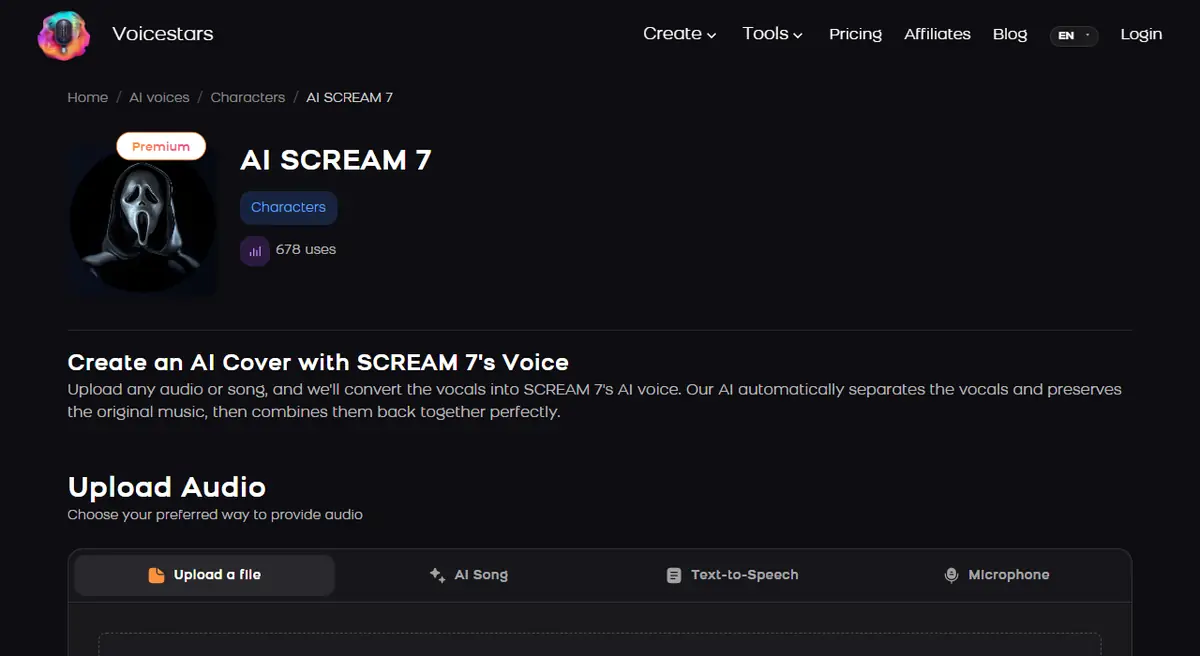
Sources: Clownfish Voice Changer · Audacity manual: Change Pitch · Voicestars AI SCREAM 7 voice page
Which Ghostface voice changer should you get?
Most people searching this want a product. The answer depends on where you will use the voice.
| Use | What to get | Why |
|---|---|---|
| Halloween costume or party | A battery costume voice changer, such as the Ghost Face models Fun World sells with its licensed masks | Works anywhere, no phone or PC needed; sounds deep and electronic rather than like the film |
| Discord, games or a live call | A free PC voice changer with low pitch plus a radio or robot filter | Live, free and adjustable; you still need to act the voice |
| A video, meme or TikTok clip | An AI Ghostface-style voice applied to your recording | Closest to the film’s tone; works on a recorded clip, not live |
| A prank on a friend | Any of the above, with their consent | Prank calls can break the law; keep it among people who are in on it |
To sound like Ghostface with your own voice, speak low and slow, smile while you talk, stretch the vowels and keep a teasing, conversational tone. In the films the voice is Roger L. Jackson’s performance, so delivery matters more than any effect.
Get the Ghostface voice in 6 steps
The same six steps apply whether you use a costume device, an app or an editor; skip the controls your tool does not offer.
- Write the line in Ghostface’s rhythm before touching any effect: calm, slow, teasing questions with pauses, never shouting. The menace in the films comes from the delivery, so a well-acted dry recording matters more than the tool.
- Record or speak close to the microphone in a quiet room, a hand’s width from the capsule. A close, slightly breathy voice gives the effect chain detail to work with; room echo makes every changer sound cheaper.
- Lower the pitch moderately, around two to four semitones as a starting point. Going much lower usually produces a cartoon monster instead of the films’ human, controlled voice, so adjust by ear.
- Add a little grit with a light distortion or overdrive, just enough to roughen the consonants. If your app has no distortion, skip it; a clean but low voice is better than a crunchy, unintelligible one.
- Make it sound like a phone call: cut the lows below roughly 300 Hz and the highs above roughly 3,400 Hz, the classic telephone band. In Audacity use Filter Curve EQ or the high-pass and low-pass filters; in a real-time app use its radio or telephone filter if it has one.
- Test the result, then use it responsibly. Record ten seconds, listen back on a phone speaker, and only then route the changer to Discord or your game. Never use the voice to frighten people who have not agreed to the joke, and never call emergency services or strangers.
Example: an original Ghostface-style line to practise
Read this original line slowly, leaving a beat at each pause. Record it dry first, then apply the effect so you can compare.
Hello… Did you lock the back door? [pause] Don’t worry. I’ll wait. [pause] Let’s play a little game about scary movies.What to check
- Every word stays understandable after processing.
- Pauses feel deliberate, not like hesitations.
- On a phone speaker the voice still sounds human, not robotic.
Why the film voice is hard to copy
Coverage of the franchise credits Roger L. Jackson with voicing Ghostface across the series. What makes the voice work is acting: a relaxed, almost friendly tone that turns menacing, with long pauses and questions.
Retail Ghost Face voice changers, sold for costumes, offer several generic presets. They are fun, but they cannot add timing and intonation, which is why the same device can sound great for one person and silly for another.
Software gives you finer control. Lower the pitch a little, roughen it slightly and restrict the frequency range like an old phone line. That last step is often what makes people recognise the reference.
Playing on a console instead of a PC? Our Xbox voice changer setup guide explains the routing.
Fix the common Ghostface voice problems
| Symptom | Likely cause | What to do |
|---|---|---|
| Sounds like a cartoon monster | Pitch lowered too far | Raise the pitch back toward two semitones down. |
| Words are hard to understand | Too much distortion | Reduce the drive and speak more slowly. |
| Friends hear your normal voice | Wrong input device in the app or game | Select the voice changer’s virtual microphone. |
| Echoey, cheap effect | Room reflections in the recording | Move closer to the mic and add soft furnishings. |
Make an AI Ghostface-style clip with Voicestars
For a prepared clip, you can record the line yourself and convert it with an AI voice model instead of stacking effects.
- Record the practice line dry, close to the microphone.
- Open the AI SCREAM 7 voice page and listen to the demo first.
- Upload your recording, or type the line in the Text-to-Speech tab, then compare the result and label the clip as AI.
For live use without AI, see our free AI voice changer comparison, which separates real-time apps from offline tools.
Before you share it
The pitch and filter values are editorial starting points based on the classic telephone band, not measurements of the film soundtrack.
Voice lists in commercial apps change, so check them before installing.
How we made the examples
Tested and written by Big Jeezy, music producer, on 10 November 2026, using Voicestars and the tools named in this guide.
- Public coverage of the Scream voice actor and tool documentation (Audacity, Clownfish, Voicestars) reviewed 10 November 2026.
- The practice line is original. Settings are starting points; adjust them by ear.
- Voicestars publishes this guide and hosts the AI voice page linked in it.
Screenshots and examples come from these sessions. Voicestars publishes this guide and sells the voice tools it mentions.
Report a correction to Voicestars Editorial with the page, date, a short reproducible example and the observed result. Avoid sending private recordings. See our editorial policy.
Common questions
What voice changer does Ghostface use in Scream?
In the films, the voice is a performance by voice actor Roger L. Jackson rather than a consumer gadget, with phone-style processing. The voice changer shown in the story is part of the character, not the device used to create the sound.
Do Ghostface costume voice changers sound like the movie?
They give a deeper, distorted voice with a few presets, which is fun at parties, but many buyer reviews say they do not match the film voice. Your delivery makes the biggest difference.
Is there a free Ghostface voice changer?
You can recreate the effect for free with Audacity on a recording or with a free real-time changer such as Clownfish on Windows. Free tiers of commercial apps may include similar deep or horror voices, but their lists change.
Can I use a Ghostface voice on Discord?
Yes. Use a real-time voice changer that creates a virtual microphone, then select that microphone as your input device in Discord’s voice settings.
Is an AI Ghostface voice the real actor?
No. An AI voice model imitates a style from training audio. Label clips as AI and do not present them as official Scream audio.
Is a Ghostface prank call legal?
Threatening or harassing calls can be illegal and frightening, even as a joke. Keep it to friends who are in on it, end the bit quickly and never contact strangers or emergency lines.
Where can I get a Ghostface voice changer?
Costume voice changers sold with licensed Ghost Face masks are on major online stores and in Halloween shops. For live calls, use a free PC voice changer; for clips, use an AI Ghostface-style voice on your recording.
How do I make my voice sound like Ghostface?
Speak low and slow, keep a smile in your voice, stretch the vowels and use a teasing, conversational tone, then add a low-pitch effect with a little distortion. The film voice is Roger L. Jackson’s performance, so delivery matters more than the device.
Sources
Checked on 10 November 2026.
For background on the performance behind the mask, read Bloody Disgusting’s profile of Roger L. Jackson. To build the effect yourself, the Audacity manual covers Change Pitch and Filter Curve EQ for the telephone band.


