How to Make AI Covers That Sound Real: A Producer's Step-by-Step Method
Published: · Updated:
Ready to try? Browse the Voicestars singer AI voices and drop your song.
This guide gives the six steps that decide whether a cover sounds clean, what to check in a cover tool, and the rules to follow before posting.
We reviewed the Voicestars singer voice pages, the Jammable homepage and YouTube’s GenAI disclosure rules on 12 November 2026.
Make an AI cover now
Pick a singer and drop your song or acapella. Voicestars separates the vocals for you.
Short answer
To make an AI cover, pick a song within the target voice’s range, upload the song or a dry vocal (Voicestars separates the vocal automatically), choose the singer voice, transpose if the key is far off, convert, fix weak sections and mix the new vocal over the instrumental. Label it as AI and check the song’s rights before monetising.
- 01 Separate Vocal and instrumental
- 02 Convert Vocal into the new voice
- 03 Mix New vocal over the music
What to check in an AI cover tool
Five checks that matter more than the number of voices.
| Check | Why it matters | Voicestars (12 November 2026) |
|---|---|---|
| Automatic vocal separation | Saves a separate stem-splitting step | Yes: voice pages say the AI separates the vocal and keeps the music |
| Accepted files | Phone recordings come in many formats | MP3, WAV, M4A, AAC, FLAC, OGG, Opus, AIFF and more; up to 150 MB |
| Voice catalogue | The voice you want must exist | 2,000+ voices, singers by category |
| Inputs besides a song | Lets you sing or type instead | Upload, AI Song, Text-to-Speech, Microphone |
| Labels and rights | Covers reuse a song and imitate a voice | Label as AI; check song rights before monetising |
Each Voicestars voice page accepts an uploaded file, an AI song, typed text or a microphone recording.
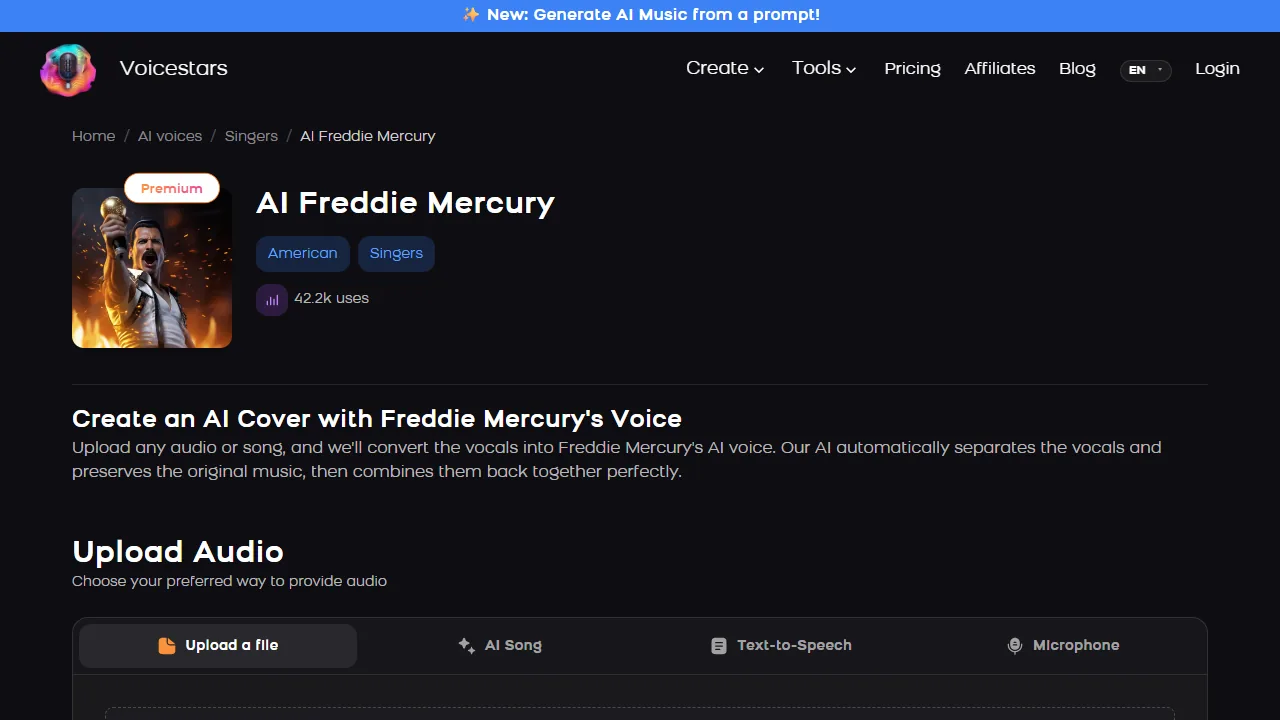
Sources: Voicestars singer AI voices · Voicestars AI Michael Jackson voice page · Jammable homepage
Make an AI cover in 6 steps
Steps 2 and 4 make the biggest difference to quality.
- Choose a song that suits the target voice’s range: a low baritone song will strain a high pop voice and the conversion will crack on the top notes.
- Get the cleanest vocal you can: upload the full song (the vocal is separated automatically) or, better, your own dry recording or an official acapella.
- Pick the singer voice and play its demo; if several versions exist, keep the one whose demo is closest in style to your song.
- Match the key: if your vocal is far from the voice’s natural range, transpose it by a few semitones (±12 changes octave) before converting.
- Convert, then listen for robotic consonants, breaths turned into noise and cracked high notes; re-convert only the weak section if your tool allows it.
- Mix the converted vocal back over the instrumental at a level where the words are clear, add the same reverb on both, and label the cover as AI when you post it.
Original vocal vs. AI version
The same take of “Million Dollar Moves”, first as recorded, then converted with the AI Roddy Ricch voice on Voicestars.
Voicestars demo, also on the Voicestars home page.
Example: a cover plan for one song
An original plan showing the decisions before you convert anything.
Song: a mid-tempo pop ballad, melody spanning about one and a half octaves
Target voice: AI Michael Jackson (high tenor)
Input: own dry vocal recorded on a phone, WAV
Key: original vocal sung low, so transposed up 3 semitones
Check: chorus high note, breaths, final sustained note
What to check
- The song fits the voice’s range.
- The input is a dry vocal, not a full mix.
- The key change is decided before conversion.
Where our tool facts come from
The upload limits and formats in the table come from the Voicestars upload component used on this page: it accepts MP3, WAV, M4A, AAC, FLAC, OGG, OGA, Opus, AIF, AIFF, CAF, WMA, WEBA and AMR files, up to 150 MB.
Voicestars voice pages state that the AI separates the vocals, converts them and keeps the original music. On 12 November 2026, the AI Michael Jackson page showed 373.2k uses.
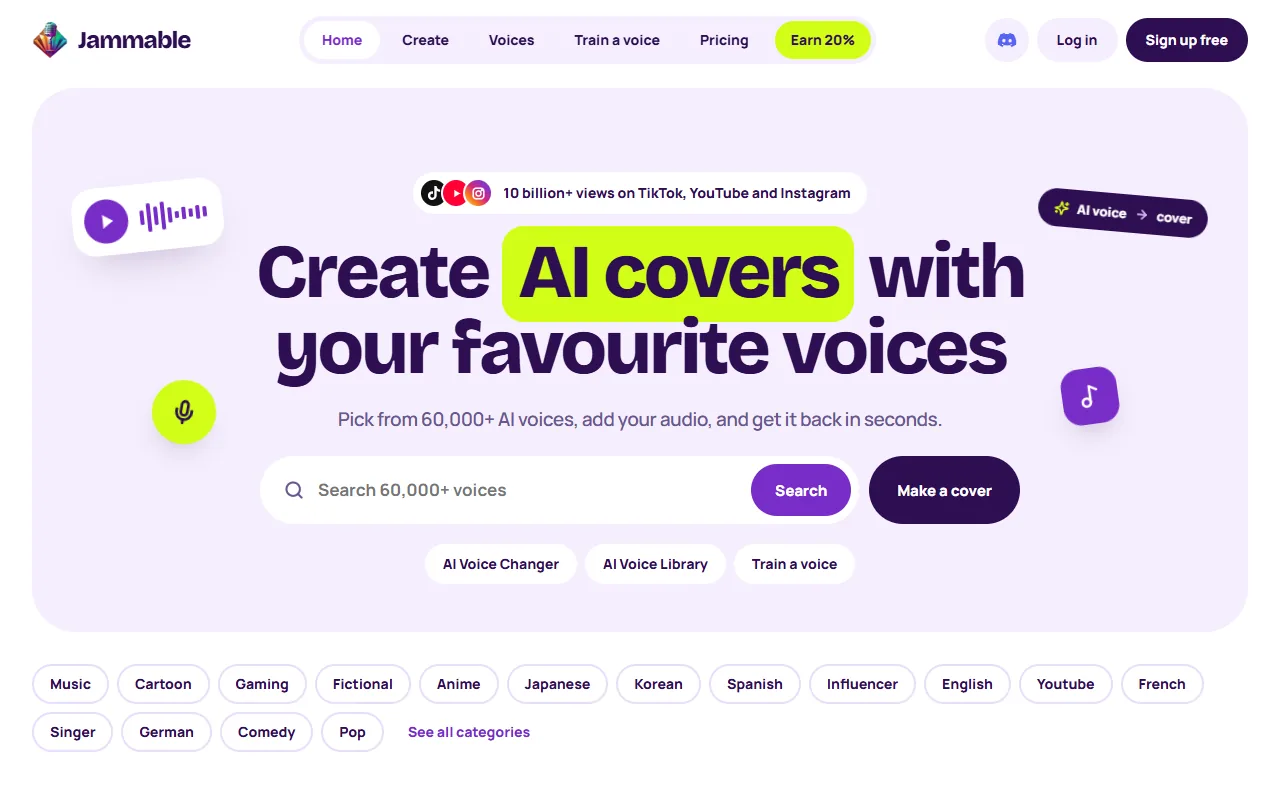
Competitor figures, such as Jammable’s 60,000+ voices, are the vendors’ own claims on their homepages on the same date.
For vocal preparation in detail, read our AI song covers guide.
Fix common AI cover problems
| Symptom | Likely cause | What to do |
|---|---|---|
| Robotic or metallic vocal | Drums or reverb in the input | Use a dry vocal or an acapella. |
| High notes crack | Song above the voice’s range | Transpose down a few semitones. |
| Vocal buried in the mix | Converted vocal too quiet | Raise it until every word is clear. |
| Cover removed from a platform | Copyright or missing AI label | Label as AI and check the song’s rights. |
Separate a song with Voicestars
Upload a file or paste a YouTube link, then download the parts you need.
- Open the AI Stems Splitter and upload your song.
- Choose vocals and instrumental, or more stems.
- Download the result, or use the vocal to make an AI cover.
Need a clean vocal first? Use our acapella extractor guide.
What users report on X
Workflows and quality tips shared by people who make AI covers. Collected from public posts on X on 21 November 2026.
Current method: Ultimate Vocal Remover 5 to split vocal and instrumental, then RVC WebUI to convert the voice.
Three rules from practice: AI is never 100% reliable, fewer instruments give a better cover, and a clearer lead vocal and better model data give a better result.
Reverb, echo, vocal fry and distortion on the input make it harder for the AI to reproduce your vocal.
Removed the reverb from a Freddie Mercury source with UVR v5’s UVR-De-Echo-Normal preset before converting.
An Eminem RVC model trained on takes already mixed with backing vocals sounds robotic.
Summaries of public posts, not Voicestars reviews. Open each post for the full context.
Good to know
Vendor numbers such as voice counts are self-reported and change often.
How we tested it
Tested and written by Big Jeezy, music producer, on 12 November 2026, using Voicestars and the tools named in this guide.
- The Voicestars singer voice pages, the Jammable homepage and YouTube’s GenAI disclosure rules reviewed 12 November 2026; screenshots captured that day.
- File limits read from the Voicestars upload component on 12 November 2026: 14 accepted audio extensions, 150 MB maximum.
- Homepage checks the same day: Jammable advertised 60,000+ AI voices; the Voicestars AI Michael Jackson page showed 373.2k uses (screenshots below).
Screenshots and examples come from these sessions. Voicestars publishes this guide and sells the voice tools it mentions.
Report a correction to Voicestars Editorial with the page, date, a short reproducible example and the observed result. Avoid sending private recordings. See our editorial policy.
Questions and answers
What is an AI cover?
An AI cover is a song where the original vocal is converted into another singer’s voice with an AI voice model, while the instrumental stays the same.
How do I make an AI cover for free?
Most cover tools give a few free conversions before asking for credits. Prepare a clean vocal first so free attempts are not wasted: a dry recording or an acapella converts better than a full mix with drums and reverb.
What is the best AI cover generator?
The best one has the voice you want, separates vocals automatically and accepts your file. Jammable, for example, advertised 60,000+ AI voices on 12 November 2026; Voicestars lists 2,000+ voices and separates vocals automatically on every voice page.
Why does my AI cover sound robotic?
Usually because the input vocal is not clean: drums, reverb or backing vocals leaking into the vocal confuse the model. High notes outside the voice’s range also crack. Use a dry vocal, transpose closer to the voice’s range and convert again.
Are AI covers legal?
A cover reuses a copyrighted song and imitates a real voice, so posting one can trigger copyright claims or likeness complaints. YouTube asks creators to disclose AI music that is the main focus of a video. Label it, avoid monetising without rights and never present it as real.
Can I make an AI cover with characters?
Yes. Character voices such as SpongeBob or anime characters work the same way as singers. Spoken character models may sound strained on sustained notes, so choose songs with a narrow melody and short phrases.
How do people make K-pop AI covers?
The same way as any AI cover, with one extra step: a K-pop song has several singers. Isolate the vocal, cut it into each member’s lines, then convert every part with the voice you want, or the whole vocal with one voice for a solo version. Voice conversion keeps the original Korean pronunciation and timing, so the lyrics stay intact.
Sources
Checked on 12 November 2026.
Compare with Jammable, and read YouTube’s GenAI disclosure rules before posting.