
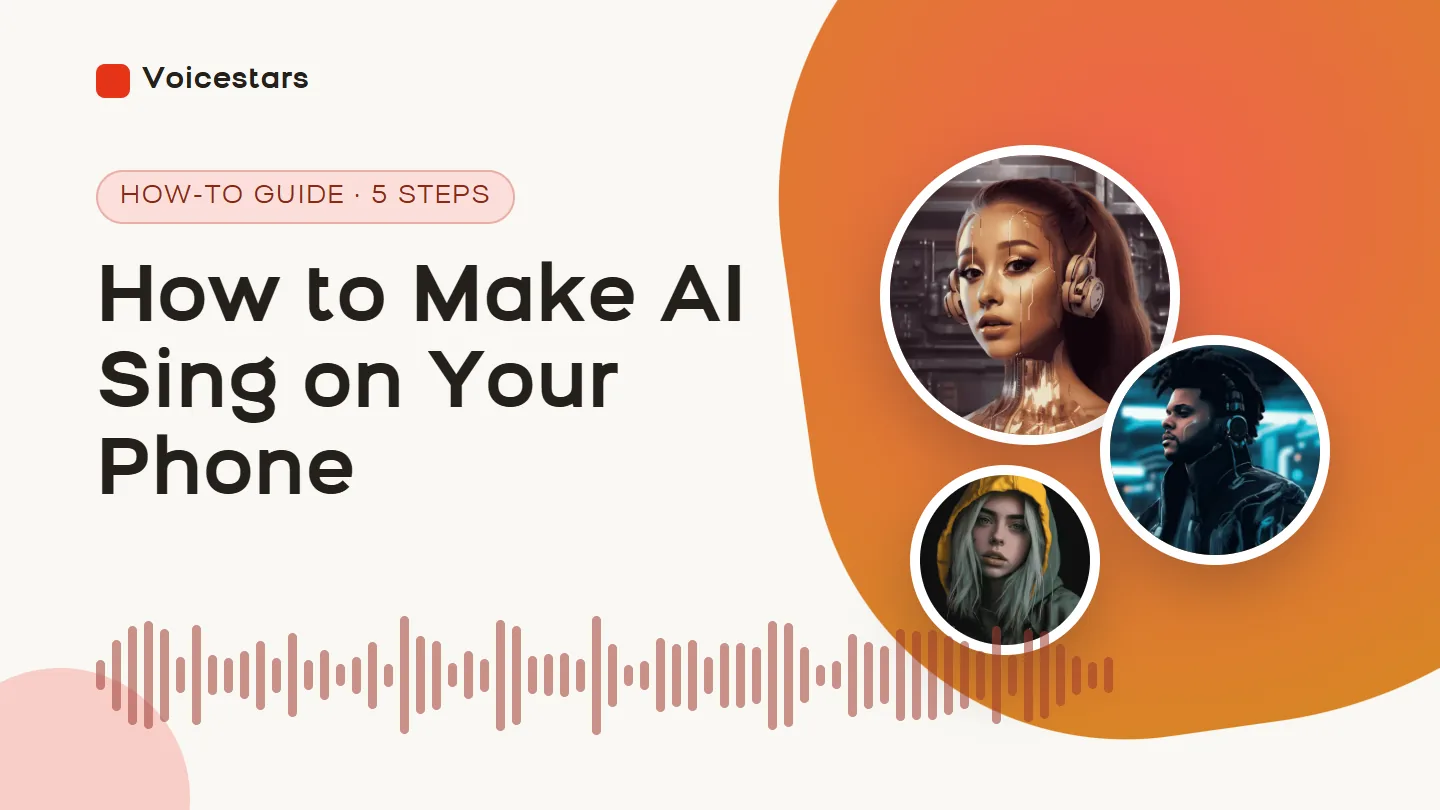
How to Make AI Sing on Your Phone: 3 AI Singing Apps Compared

Published: · Updated:
Ready to try on your phone? Open the Voicestars singer AI voices and drop a voice memo.
People searching for an AI singing app usually want one thing: to hear a song, or their own singing, in a great voice using only a phone. You can do that with a dedicated app, but browser tools work on phones too.
This guide gives three options and five steps to make AI sing on your phone, with the recording tips that matter most.
We reviewed the Voicestars AI Song Generator and singer voice pages, the Voicestars upload component and the App Store listing for “Amper Music: AI Song Generator” on 19 November 2026.
Turn a phone recording into a singer’s voice
Drop a voice memo or a sung recording from your phone, pick a voice and continue on the voice page.
The answer in brief
To make AI sing on your phone, either open an AI song generator in your browser and paste lyrics, or record a dry voice memo and upload it to a singer voice page to convert your own melody. Dedicated apps also exist; check the developer and data policy first. Record close to the phone in a quiet room, and label shared clips as AI.
- 01 Record Dry voice memo
- 02 Convert or generate Voice page or song generator
- 03 Share Labelled as AI
Three ways to make AI sing on a phone
Pick by whether your own melody must stay.
| Option | What you give it | What you get | Check |
|---|---|---|---|
| Song generator in the mobile browser | A prompt or lyrics | A full song with an AI singer | Credits and commercial terms |
| Voice conversion of your singing | A voice memo or sung recording | Your melody in another singer’s voice | A quiet room and a dry recording |
| Dedicated App Store app | Prompts or lyrics | AI songs inside the app | Developer, ratings and data policy |
Voicestars works in the phone browser: song generation and voice conversion, with uploads from Files or Voice Memos.
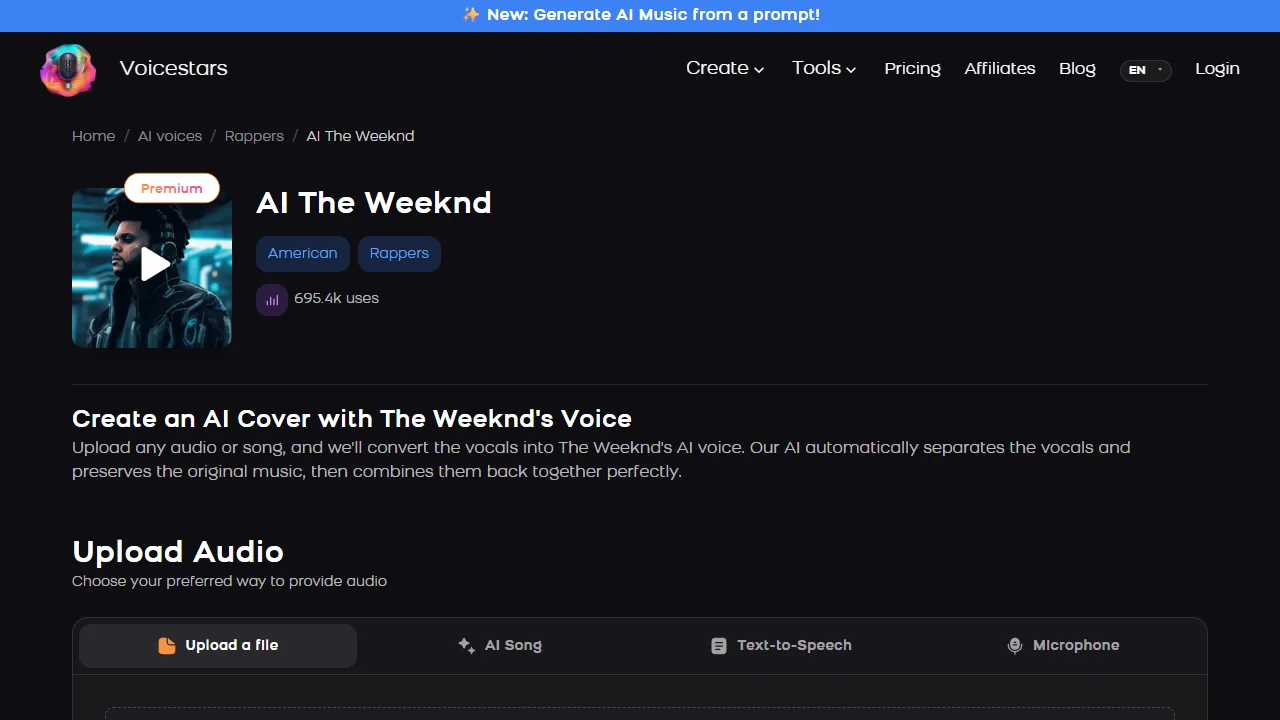
Sources: Voicestars AI Song Generator · Voicestars singer AI voices · App Store: Amper Music: AI Song Generator
Make AI sing on your phone in 5 steps
Step 2 decides most of the quality.
- Decide what should stay yours: your own melody (use voice conversion) or nothing but the idea (use a song generator).
- For conversion, record a dry voice memo in a quiet room, phone 15 to 20 cm from your mouth, without music playing on the same phone.
- Open a singer voice page in your phone’s browser and upload the memo; on iPhone, choose it from Files or Voice Memos.
- For a full song, open an AI song generator in the browser, describe genre and mood, and paste your lyrics.
- If you prefer an App Store app, check the developer name, ratings and data policy before paying, then label anything you share as AI.
Example: a phone recording checklist
An original checklist for a voice memo you will convert.
Room: soft furnishings, door closed
Distance: phone 15–20 cm from your mouth
Backing track: on headphones or another device, not the phone recording
Length: one chorus for a first test
Format: M4A from Voice Memos, under 150 MB
What to check
- Quiet and close.
- No music in the memo.
- Short test first.
Why browser tools work as singing apps
The Voicestars upload component accepts common phone audio formats, including .m4a from iPhone Voice Memos, up to 150 MB, so a phone browser is enough.
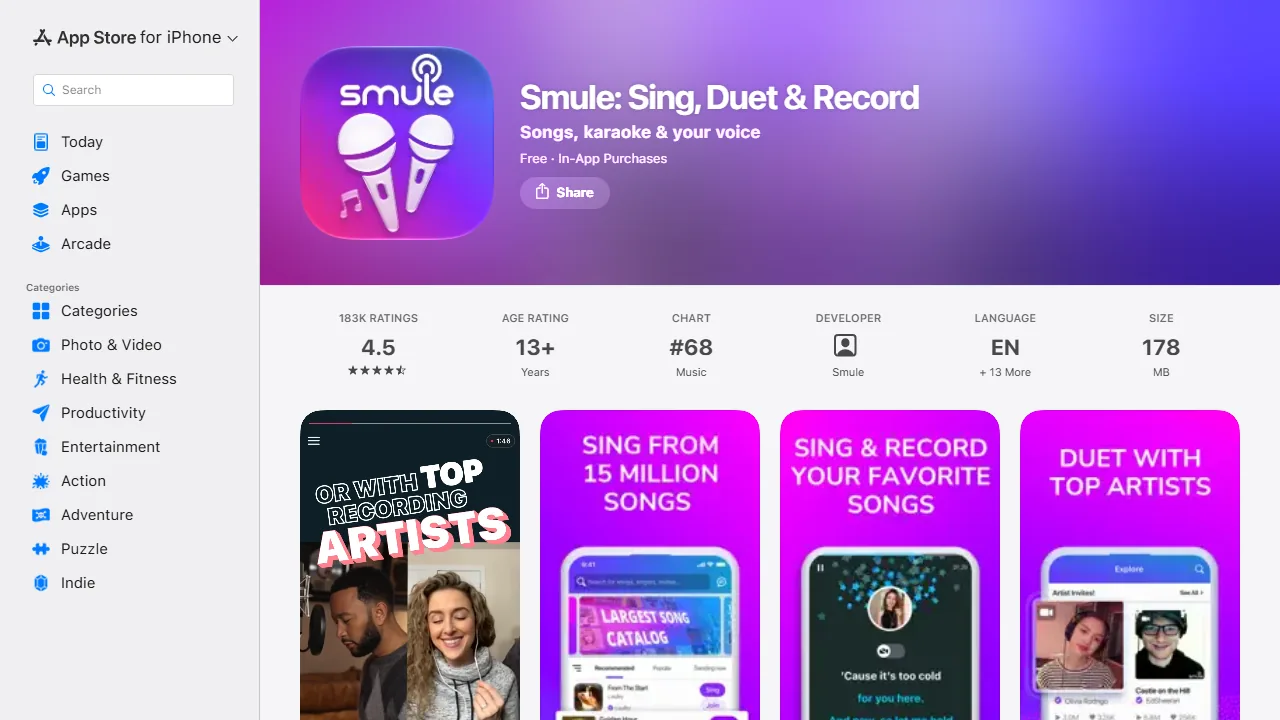
Dedicated apps can be convenient, but names can mislead: “Amper Music: AI Song Generator” on the App Store is listed by an independent developer rather than the original Amper company.
Whatever tool you use, the recording quality decides the result more than the app.
For the full method, read our how to make AI sing a song guide.
Fix common AI singing app problems
| Symptom | Likely cause | What to do |
|---|---|---|
| Robotic or echoey | Room echo or music in the memo | Record closer, in a quieter room. |
| Upload not accepted | Unsupported or huge file | Export as M4A or MP3 under 150 MB. |
| Song lacks your melody | Used a song generator | Use voice conversion to keep your melody. |
| App asks for many permissions | Unknown developer | Check the listing and data policy first. |
Do it with Voicestars on your phone
Every Voicestars singer voice page accepts an uploaded file, an AI-generated song, typed text or a microphone recording.
- Record a dry voice memo or open the AI Song Generator.
- Upload the memo on a singer voice page, or paste lyrics in the generator.
- Download the result and label it as AI before sharing.
Comparing free tools? See our free AI singing voice generator guide.
Points to watch
App availability and prices change by country.
How we checked this guide
Tested and written by Big Jeezy, music producer, on 12 November 2026, using Voicestars and the tools named in this guide.
- The Voicestars AI Song Generator and singer voice pages, the Voicestars upload component and the App Store listing for “Amper Music: AI Song Generator” reviewed 19 November 2026; screenshots captured that day.
- Upload formats and the 150 MB limit read from the Voicestars upload component code on 19 November 2026.
- App Store listing details (developer, ratings) recorded on 12 November 2026.
Screenshots and examples come from these sessions. Voicestars publishes this guide and sells the voice tools it mentions.
Report a correction to Voicestars Editorial with the page, date, a short reproducible example and the observed result. Avoid sending private recordings. See our editorial policy.
Common questions
What is the best AI singing app?
It depends on whether you want to keep your own melody. Voice conversion keeps your singing and changes the voice; a song generator creates the whole song from text. Both work in a phone browser, so you do not always need an app.
Can I make AI sing my own song on my phone?
Yes. Record yourself singing into Voice Memos or another recorder, then upload the file on a singer voice page; the Voicestars upload accepts phone formats such as M4A and files up to 150 MB.
Do I need to download an app?
No. Browser-based tools such as the Voicestars AI Song Generator and voice pages work on phones. Apps can be convenient, but check who publishes them: on the App Store, “Amper Music: AI Song Generator” is listed by an independent developer, not the original Amper company.
How do I upload a voice memo on iPhone?
Share or save the memo to Files, then choose it in the upload box. The Voicestars upload accepts audio extensions such as .m4a, .mp3 and .wav from the iPhone file picker.
Why does my AI singing sound robotic?
Phone recordings pick up room echo and background music. Record closer to the phone in a soft, quiet room and avoid playing the backing track through the same phone.
Can I post AI singing on TikTok?
Yes, but label realistic AI voices of real singers as AI; TikTok and YouTube both ask creators to disclose realistic AI audio. Use original songs or ones you have the right to cover.
Sources we used
Checked on 12 November 2026.
See the App Store listing we checked, and YouTube’s GenAI disclosure rules.


