
How to Turn a Book Into an AI-Narrated Audiobook in 6 Steps (3 Routes)

Published: · Updated:
Looking for a distinctive character narrator for a fan project? The Voicestars AI voice catalogue reads typed text in many voices.
AI audiobooks let authors turn a manuscript into narration in hours instead of weeks, through store tools or text-to-speech services.
This guide compares the three routes and gives six steps to produce a consistent, store-ready AI audiobook.
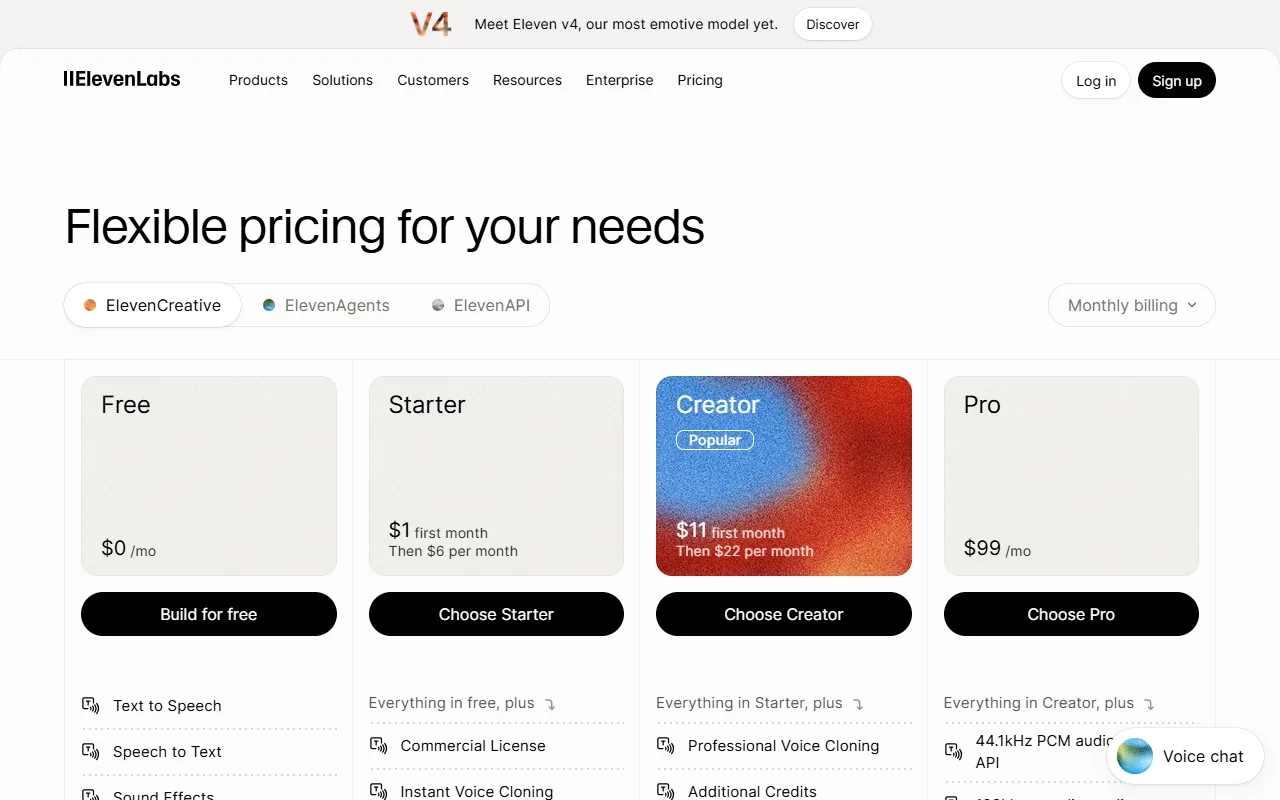
We reviewed Google Play Books’ auto-narration page, reporting on Amazon’s Virtual Voice and ElevenLabs pricing on 11 November 2026.
Quick answer
To make an AI audiobook, use a store tool such as Google Play Books auto-narration or Amazon KDP Virtual Voice, or generate chapters yourself with a text-to-speech voice. Clean the manuscript, test one voice on a dialogue chapter, generate chapter by chapter with the same settings, proof-listen everything and follow the store’s format and AI-disclosure rules.
- 01 Prepare Clean text, pronunciations
- 02 Generate One voice, chapter by chapter
- 03 Publish Proof-listen, store rules
Original editorial workflow diagram; not a product screenshot or test result.
Store narration or your own TTS?
Routes compared by control and distribution, from public sources on the verification date.
| Route | How it works | Distribution | Watch out for |
|---|---|---|---|
| Google Play Books auto-narration | Google generates narration for your ebook | Google Play; files may be usable elsewhere under its terms | Read the current eligibility and terms. |
| Amazon KDP Virtual Voice | Amazon generates narration for eligible KDP ebooks | Audible and Amazon | Reported as invite-only and US-focused. |
| Text-to-speech service | Generate chapters yourself with a TTS voice | Wherever the store accepts AI narration | Commercial licence and store rules. |
Voicestars voice pages read typed text in celebrity, character and singer voices; for a commercial audiobook, use a voice you have the rights to.
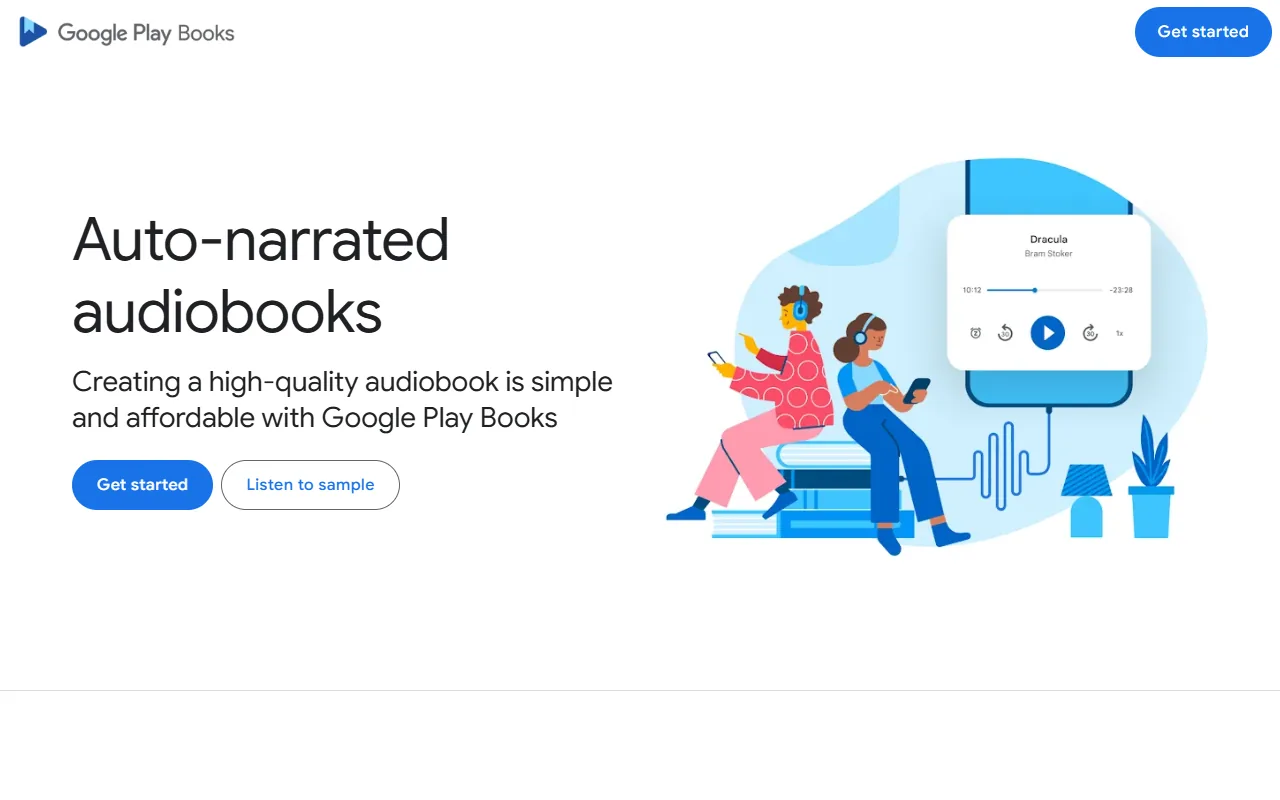
Sources: Google Play Books: auto-narrated audiobooks · The Bookseller: KDP tests Virtual Voice narrated audiobooks in the US · ElevenLabs pricing
Make an AI audiobook in 6 steps
Steps 2 and 5 take the most time and matter the most.
- Choose the route: a store’s built-in narration (simplest, tied to that store) or your own TTS files (more control, check each store’s AI rules).
- Prepare the text: remove page numbers, headers and footnote markers, spell out numbers and add pronunciation notes for names.
- Pick one voice for the whole book and test it on a dialogue-heavy chapter; switching voices mid-book confuses listeners.
- Generate chapter by chapter, keeping the same settings, and name files in order (01, 02…).
- Listen to every chapter at normal speed for mispronunciations, then regenerate only the faulty sentences.
- Check the store’s requirements (file format, loudness, AI disclosure) before uploading, and label the narration as AI where required.
Example: preparing a paragraph for narration
An original paragraph before and after cleanup.
Before: "Dr. Ng arrived at 7:30 (ch. 3) — see p. 42."

After: "Doctor Ng arrived at seven thirty."
What to check
- Abbreviations are expanded.
- Cross-references are removed.
- Numbers are written as spoken.

What stores require
Store tools handle narration and technical specs for you, but tie the audiobook to that store; Amazon’s Virtual Voice, for example, is reported as Audible-exclusive.
Producing your own files gives you control and wider distribution, but each store has its own rules on AI narration and file specs.
Whatever the route, disclose AI narration where required; listeners and stores increasingly expect it.
To pick a reading app, see our text-to-speech app guide.
Fix common AI audiobook problems
| Symptom | Likely cause | What to do |
|---|---|---|
| Names mispronounced | Unusual spellings | Add phonetic spellings or pronunciation notes. |
| Voice changes between chapters | Different settings | Reuse the same voice and settings. |
| Store rejects files | Format or loudness | Check the store’s technical requirements. |
Type text in a famous voice with Voicestars
When a neutral narrator is not enough, use the Text-to-Speech tab on a voice page.
- Search the catalogue and pick a voice.
- Open the Text-to-Speech tab and paste your text.
- Generate, download and label the clip as AI.
For free options, read our free AI voice generator comparison.
What this guide does and does not establish
Store programmes change quickly; Virtual Voice details come from press reports, not from KDP help pages.
We did not run a blind listening test or measure quality across tools.
Evidence, method and responsibility
Research and interface checks: 11 November 2026. Maintained by Voicestars Editorial under the Nolan Vale pen name. This role is not a claim of an independent qualification or an endorsement by the cited organizations.
- Google Play Books’ auto-narration page, reporting on Amazon’s Virtual Voice and ElevenLabs pricing reviewed 11 November 2026; screenshots captured that day.
- Keyword research: DataForSEO Google keyword suggestions, United States, English, collected 11 November 2026 (ai audiobook, ai audiobook generator, ai audiobook narration, ai audiobook reader).
- Examples are original. No generated audio is presented as a test.
- Voicestars publishes this guide and offers the AI voice tools mentioned; it has a commercial interest in this topic.
We distinguish provider documentation, observed interface behavior and proposed exercises. Screenshots are our actual browser captures; a screenshot of a form does not prove audio quality. No invented measurements, reviewer credentials or user ratings are used.
Report a correction to Voicestars Editorial with the page, date, a short reproducible example and the observed result. Avoid sending private recordings. See our editorial policy.
Frequently asked questions
Can I make an audiobook with AI?
Yes. Stores such as Google Play Books offer auto-narration, Amazon tests Virtual Voice for KDP authors, and TTS services can generate chapters you assemble yourself.
Is AI audiobook narration allowed on Audible?
Amazon’s Virtual Voice produces AI narration for Audible from eligible KDP ebooks. Rules for uploading your own AI narration differ by platform; check current terms.
What is the best AI audiobook narrator?
The best voice is the one that stays clear and consistent over hours. Test candidates on a dialogue-heavy chapter before committing.
How long does it take?
Generation is fast; most time goes into preparing the text and checking every chapter.
Can I use a celebrity voice for my audiobook?
Not without permission. Use a licensed or original voice for anything you sell.
Sources and verification date
Consulted 11 November 2026. Provider features, plans and laws can change. Product documentation is distinguished from the original exercises proposed in this guide.
See how Google Play Books auto-narration works, and The Bookseller on Amazon’s Virtual Voice test.


