
How to Choose the Best Text to Speech App in 5 Steps: Listen or Create

Published: · Updated:
Creating clips rather than listening? The Voicestars AI voice catalogue reads typed text in celebrity and character voices.
“Text to speech app” covers two different needs: listening to what you read, and creating audio files with a voice.
This guide sorts apps by purpose and gives five steps to choose the right one without paying for features you do not need.
We reviewed Speechify’s pricing page, NaturalReader, Apple’s Speak Screen guide and ElevenLabs pricing on 11 November 2026.
Type your text in a famous voice
Pick a voice, type your text and continue on its voice page.
Quick answer
Choose a text-to-speech app by purpose: for listening, start with your device’s built-in reader, then reading apps such as Speechify or NaturalReader; for audio files and voiceovers, use an AI voice generator; for memes and clips in recognisable voices, use character or celebrity voice tools. Test on your real documents and check free-plan limits.
- 01 Listen Reading app or built-in reader
- 02 Create AI voice generator
- 03 Have fun Character and celebrity voices
Original editorial workflow diagram; not a product screenshot or test result.
Which type of app do you need?
Grouped by purpose on the verification date.
| App type | Examples | Best for | Check |
|---|---|---|---|
| Reading apps | Speechify, NaturalReader | Listening to documents and web pages | Natural voices often on paid plans. |
| Built-in readers | iPhone Speak Screen, Edge Read aloud | Free listening | Usually no audio export. |
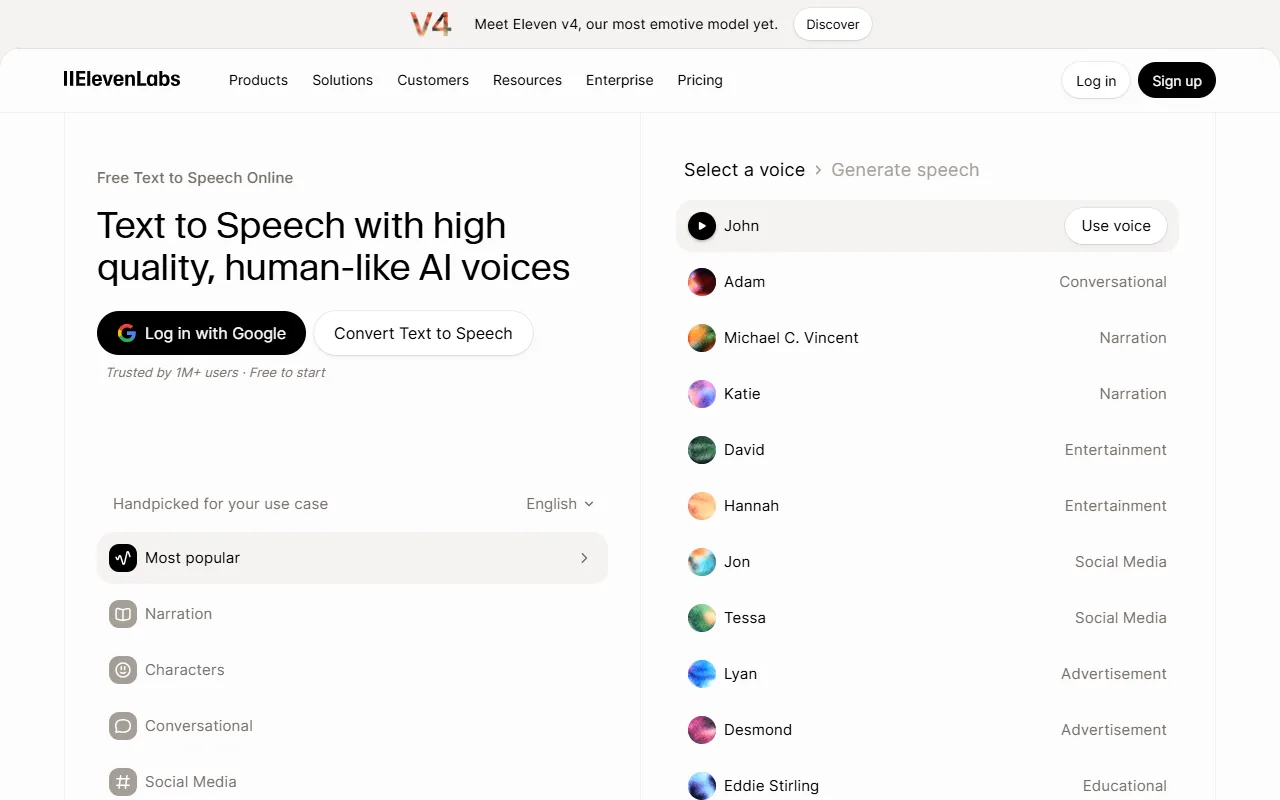
| AI voice generators | ElevenLabs and similar | Voiceovers and audio files | Commercial rights by plan. |
| Character and celebrity voices | Voicestars voice pages | Memes, clips, fan content | Label imitation voices as AI. |
Voicestars is not a reading app; it reads typed text in recognisable voices for downloadable clips.
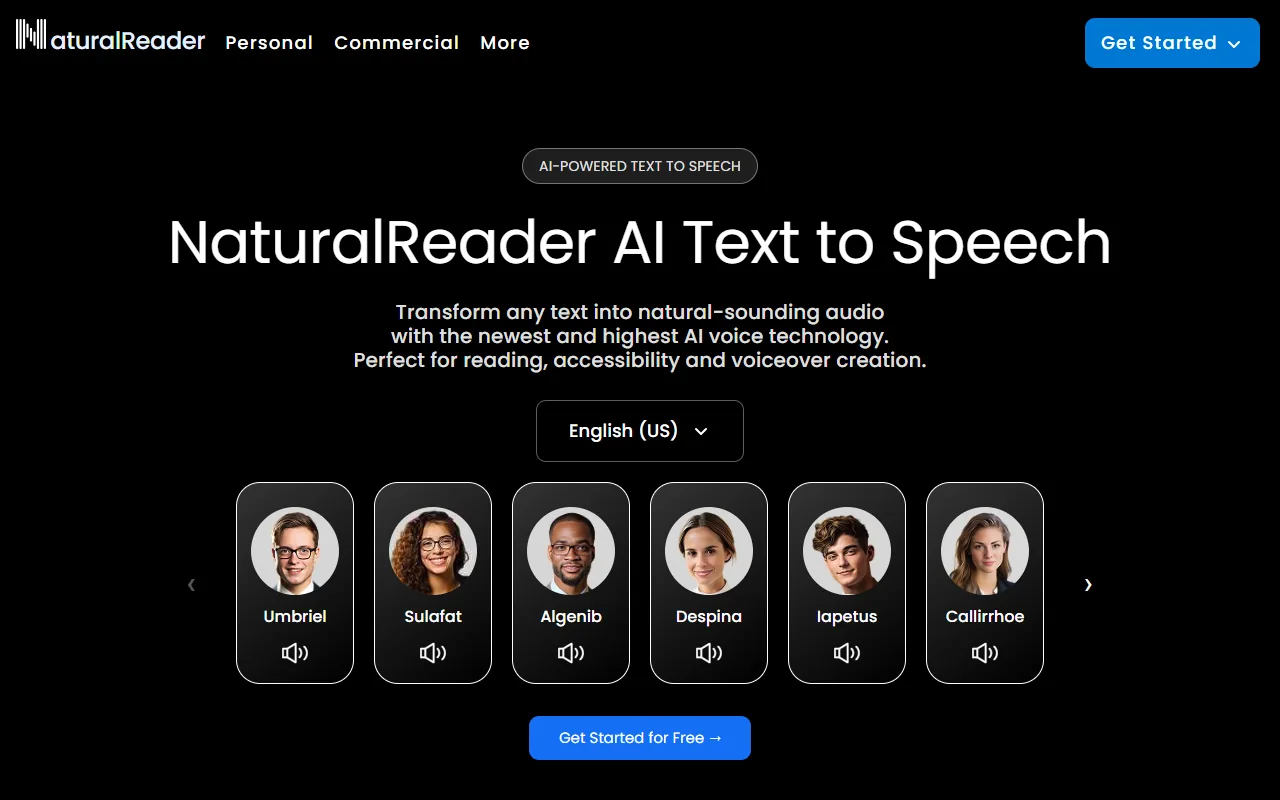
Sources: Speechify pricing · NaturalReader official site · Apple iPhone User Guide: Hear iPhone speak the screen
Choose a text-to-speech app in 5 steps
Step 1 removes half the options.
- Decide whether you want to listen (reading app) or produce audio files (voice generator).
- Try the reader built into your device first; it may already cover listening.
- For an app, test it on your real documents: PDFs, scanned pages and long articles.
- Compare voices at your normal speed; naturalness matters more at 1.5x and above.
- Check what the free plan includes (voices, speed, exports) before subscribing.
Example: a quick app test
An original test using your own material.
1. Open a long article, a PDF and a scanned page.
2. Listen to one minute of each at 1.25x.
3. Note skipped text and mispronounced names.
What to check
- Each file type is tested.
- Speed matches daily use.
- Problems are noted per app.

Reading versus creating
Reading apps optimise for comfort: highlighting, speed controls, syncing documents across devices.
Voice generators optimise for output quality and control: pauses, pronunciation and export formats.
Many people need only a built-in reader for daily listening and a generator for occasional voiceovers.
For free listening, see our free Speechify alternatives.
Fix common text-to-speech app problems
| Symptom | Likely cause | What to do |
|---|---|---|
| App skips text | Image-based PDF | Use text recognition or the original file. |
| Robotic voice | Free or offline voice | Try a natural voice or another app. |
| No export button | Listening-only app | Use a voice generator for files. |
Type text in a famous voice with Voicestars
When a neutral narrator is not enough, use the Text-to-Speech tab on a voice page.
- Search the catalogue and pick a voice.
- Open the Text-to-Speech tab and paste your text.
- Generate, download and label the clip as AI.
For audio files, compare our free AI voice generators.
What this guide does and does not establish
Facts come from the public sources listed below on the verification date; plans, features and rankings change.
We did not run a blind listening test or measure quality across tools.
Evidence, method and responsibility
Research and interface checks: 11 November 2026. Maintained by Voicestars Editorial under the Nolan Vale pen name. This role is not a claim of an independent qualification or an endorsement by the cited organizations.
- Speechify’s pricing page, NaturalReader, Apple’s Speak Screen guide and ElevenLabs pricing reviewed 11 November 2026; screenshots captured that day.
- Keyword research: DataForSEO Google keyword suggestions, United States, English, collected 11 November 2026 (text to speech app, naturalreader text to speech app, speechify text to speech app).
- Examples are original. No generated audio is presented as a test.
- Voicestars publishes this guide and offers the voice pages mentioned; it does not sell a reading app.
We distinguish provider documentation, observed interface behavior and proposed exercises. Screenshots are our actual browser captures; a screenshot of a form does not prove audio quality. No invented measurements, reviewer credentials or user ratings are used.
Report a correction to Voicestars Editorial with the page, date, a short reproducible example and the observed result. Avoid sending private recordings. See our editorial policy.
Frequently asked questions
What is the best text-to-speech app?
For listening, a reading app such as Speechify or NaturalReader, or your device’s built-in reader; for audio files, an AI voice generator.
Is there a free text-to-speech app?
Phones and browsers include free readers; reading apps have free tiers with fewer or more robotic voices.
Which app reads PDFs aloud?
Reading apps and Microsoft Edge read PDFs; scanned PDFs need text recognition first.
Can a text-to-speech app save MP3s?
AI voice generators and some desktop readers export audio; most mobile readers only play it.
Is Speechify free?
Its free plan lists 10 robotic voices and speeds up to 1.5x; natural voices are on Premium.
Sources and verification date
Consulted 11 November 2026. Provider features, plans and laws can change. Product documentation is distinguished from the original exercises proposed in this guide.
Compare plans on Speechify’s pricing page and NaturalReader.


