
15.ai Is Closed Again: What Happened and How to Make Character Voices in 5 Steps

Published: · Updated:
Looking for the 15.ai experience today? The Voicestars character AI voices let you type a line or convert your own recording into a game or cartoon-style voice.
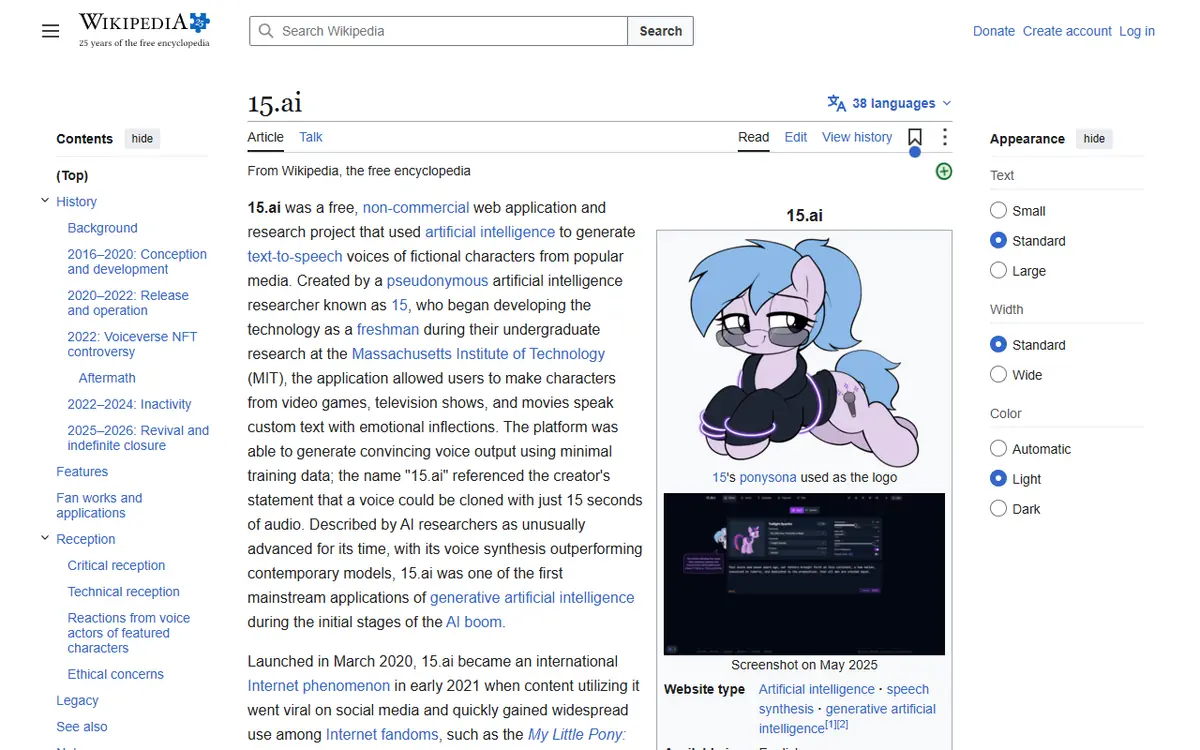
15.ai was the free site that made Team Fortress 2 mercenaries, GLaDOS and cartoon ponies say anything you typed. Many people still search for “15 ai” every month, but the service is no longer available.
This guide explains what happened to 15.ai and 15.dev, compares four realistic replacements and gives five steps to make a convincing character voice clip today.
We checked the 15.ai and 15.dev addresses and reviewed the public history of the project on 11 November 2026. We did not test every alternative’s audio quality.
Try a character voice now
The closest thing to 15.ai today: pick a character-style voice and type your line.
Quick answer
15.ai is closed: its domain redirects to Wikipedia, and its 2025 successor 15.dev was announced as indefinitely closed on 28 May 2026. To get a similar result, choose a character-style AI voice, write a short line with expressive punctuation, type it or record it yourself, compare a few takes and label the clip as AI. Keep fan clips of existing characters non-commercial.
- 01 2020 Free character TTS launches
- 02 2022 Original site goes offline
- 03 2025–2026 15.dev launches, then closes indefinitely
Original editorial workflow diagram; not a product screenshot or test result.
Which 15.ai alternative fits your clip?
The options differ in input and rights, not just sound. This is a use-case comparison, not a quality ranking.
| Option | How it works | Good for | Check before you start |
|---|---|---|---|
| Voicestars character voices | Pick a character-style voice, then type text or upload a recording | Cartoon, game and anime-style lines, covers | Audition the demo; label clips as AI. |
| FakeYou | Community text-to-speech models of characters | Short meme lines from typed text | Model quality varies; read the current terms. |
| General TTS with voice design | Describe or design an original voice, then type text | Original characters for games and videos | It will not imitate a specific existing character. |
| Record and convert your own voice | Act the line yourself, then convert it into a character voice | Emotional delivery and exact timing | You need a quiet room and a decent microphone. |
Voicestars voice pages accept typed text, an uploaded file, an AI song or a microphone recording, so you can switch from typing to recording with the same voice.
Sources: Voicestars character AI voices · FakeYou official site
Make a 15.ai-style character voice in 5 steps
These steps recreate what made 15.ai useful: short lines, emotion through punctuation and several takes.
- Decide what you actually need from 15.ai: a specific existing character, or simply a fun character-style voice. If it is a specific character, check whether a model of it exists before writing anything; if not, an original voice may be the better route.
- Write the line the way 15.ai users did: short, with punctuation that sets the emotion. A question mark, an exclamation or an ellipsis changes intonation more reliably than a long sentence.
- Choose the input. Type the text when the line is simple; record yourself when timing or emotion carries the joke, then convert the recording into the character voice.
- Generate, then compare two or three takes. 15.ai famously returned several variations per request; do the same manually by regenerating or re-recording and keeping the best take.
- Label the clip as AI and keep it non-commercial unless you have rights. Voices of existing characters belong to actors and studios, and 15.ai itself was a free, non-commercial project.
Example: a short line written for emotion
Original practice lines. Each uses punctuation to steer the delivery, the way 15.ai users tuned emotion.
Calm: "The test is complete. You may leave now."

Annoyed: "The test is complete… again. Please, just leave."

Excited: "The test is complete! You did it! Now leave!"
What to check
- Each version sounds different with the same voice.
- No line is longer than about ten seconds.
- The clip will be labelled as an AI voice.

What made 15.ai different
According to Wikipedia, 15.ai was created by a pseudonymous researcher known as 15, ran without ads or accounts and could build convincing voices from little training data. Each request returned three variations with different emotional delivery.
Its character list leaned on games and cartoons, which is why searches such as “tf2 15.ai” are still common. Some silent characters even returned silent audio as a joke.
The project’s reputation was also shaped by the 2022 Voiceverse NFT controversy, when lines generated with 15.ai were reused without credit. That episode is a reminder to credit tools and label AI voices.
To design a consistent original character instead of imitating one, follow our AI character voice guide.
Fix common problems when replacing 15.ai
| Symptom | Likely cause | What to do |
|---|---|---|
| 15.ai link opens Wikipedia | The service is closed | Use an alternative from the table above. |
| Character sounds generic | No model of that exact character | Try another model, or record and convert. |
| Emotion is wrong | Typed text cannot carry the acting | Change punctuation or record the line yourself. |
| Clip removed after posting | Unlabelled or commercial use of a character voice | Label it as AI and keep it non-commercial. |
Make a character voice clip with Voicestars
Use a character-style voice and choose whether to type or record the line.
- Open the character category and audition a few demos.
- Type your line in the Text-to-Speech tab, or upload a recording for a more acted delivery.
- Keep the best take and label it as AI before sharing.
For community models built from typed text, see our FakeYou guide, which covers pending jobs and model choice.
What this guide does and does not establish
The 15.ai history is summarised from Wikipedia and our own check of the 15.ai and 15.dev addresses on 11 November 2026. We could not access the closure announcement directly.
We did not compare audio quality across alternatives or test every character model.
Evidence, method and responsibility
Research and interface checks: 11 November 2026. Maintained by Voicestars Editorial under the Nolan Vale pen name. This role is not a claim of an independent qualification or an endorsement by the cited organizations.
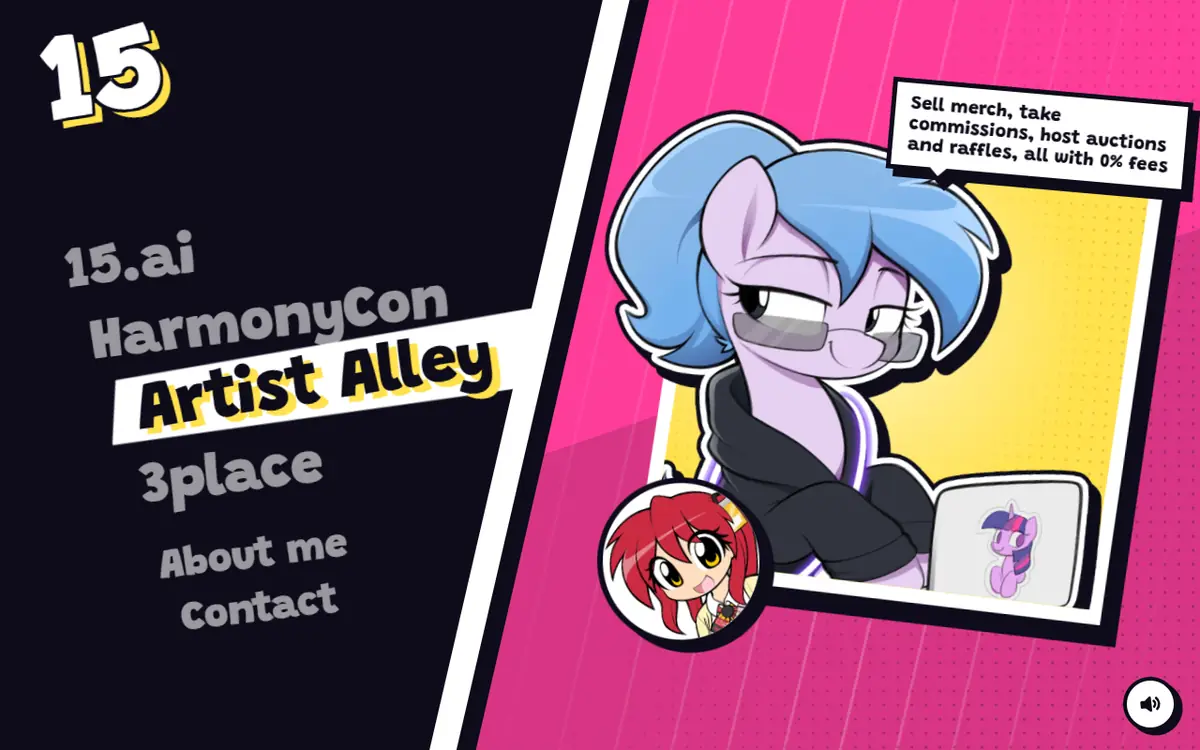
- 15.ai and 15.dev addresses checked 11 November 2026: 15.ai redirected to Wikipedia; 15.dev listed the project without a working generator. Screenshots captured that day.
- Keyword research: DataForSEO Google keyword suggestions, United States, English, collected 11 November 2026 (15 ai, 15.ai voice, 15 ai voices, tf2 15.ai, 15 ai alternatives).
- The practice lines are original. No generated audio is presented as a test.
- Voicestars publishes this guide and offers character AI voices mentioned in the comparison.
We distinguish provider documentation, observed interface behavior and proposed exercises. Screenshots are our actual browser captures; a screenshot of a form does not prove audio quality. No invented measurements, reviewer credentials or user ratings are used.
Report a correction to Voicestars Editorial with the page, date, a short reproducible example and the observed result. Avoid sending private recordings. See our editorial policy.
Frequently asked questions
What was 15.ai?
A free, non-commercial web app that generated text-to-speech in the voices of fictional characters, such as Team Fortress 2 characters, GLaDOS from Portal and My Little Pony characters, without an account.
Is 15.ai still working?
No. When we checked on 11 November 2026, 15.ai redirected to its Wikipedia article. Wikipedia reports that its successor, 15.dev, launched on 18 May 2025 and that its creator announced an indefinite closure on 28 May 2026.
Why did 15.ai shut down the first time?
The original site went offline in September 2022. Its history includes the 2022 Voiceverse NFT controversy, in which 15.ai-generated lines were reused without credit. Wikipedia summarises the timeline.
What is the best 15.ai alternative for TF2 voices?
Look for a community or character voice model of the exact character, audition its demo and compare a few takes. If none sounds right, record the line yourself and convert it with a character-style voice.
Can I use 15.ai-style voices commercially?
Voices of existing characters are tied to actors and studios. Keep fan clips non-commercial and labelled as AI, and use an original voice for anything you sell or advertise.
Did 15.ai return as 15.dev?
Yes, briefly. Wikipedia reports that 15.dev launched as the official sequel on 18 May 2025, then closed indefinitely after the 28 May 2026 announcement.
Sources and verification date
Consulted 11 November 2026. Provider features, plans and laws can change. Product documentation is distinguished from the original exercises proposed in this guide.
For the full history of the project, read the Wikipedia article on 15.ai, and for the 2022 controversy, the Voiceverse NFT plagiarism article.


