FROM OUR BLOG

FROM OUR BLOG

FROM OUR BLOG

Biden AI Voice Generator to Make Biden Say Anything in 2025

Dec 20, 2025
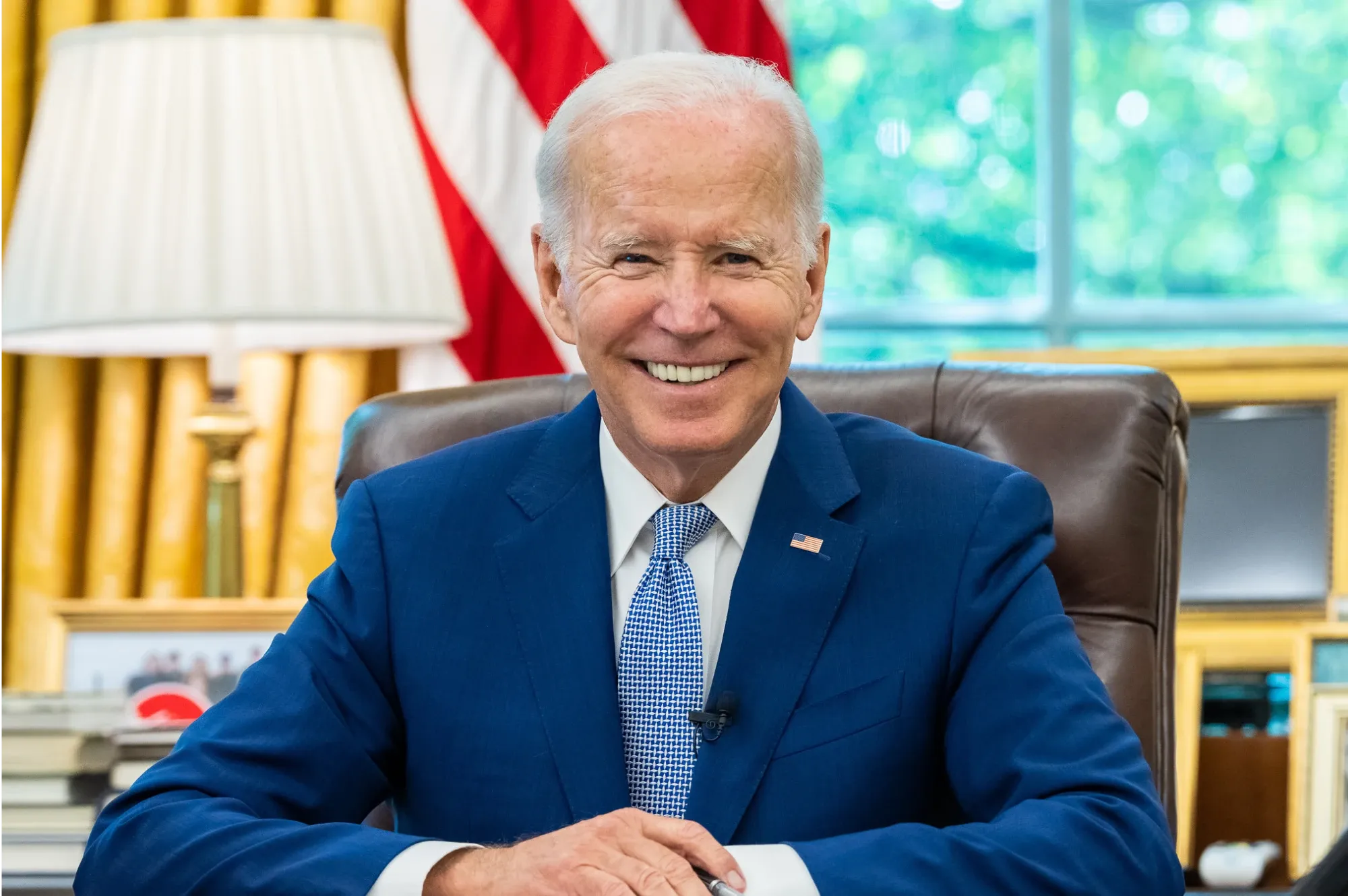
biden ai voice
biden ai voice
biden ai voice

Want to create realistic Joe Biden AI voice audio for your content? Whether you're producing political commentary, educational videos, or satirical content, Biden AI voice generators have made it remarkably easy to generate authentic-sounding Biden audio. I spent two weeks testing every Biden voice generator available, and I'm sharing which platforms actually capture Biden's distinctive speaking style—and which ones sound more like a confused robot.
people in street


Table of Contents

  1. What Is Biden AI Voice?

  2. How to Generate Biden Voice (Quick Guide)

  3. Best Biden AI Voice Generators in 2025

  4. Creative Uses for Biden AI Voice

  5. Tips for Authentic Biden Speech Patterns

  6. Legal and Ethical Guidelines

  7. Frequently Asked Questions

What Is Biden AI Voice?

Biden AI voice is an artificial intelligence-powered text-to-speech technology that replicates President Joe Biden's distinctive voice characteristics—his measured cadence, occasional verbal stumbles, folksy expressions like "folks" and "here's the deal," and that characteristic Delaware accent. These generators use machine learning trained on thousands of Biden's speeches, press conferences, and public appearances to create remarkably authentic audio.

When I first tested Voicestars' Biden AI voice generator, I was impressed by how accurately it captured Biden's speaking patterns. The AI nailed those characteristic pauses, the folksy tone, and even those moments where Biden seems to search for the right word—all the elements that make his voice instantly recognizable.

Why Biden AI Voice Is Growing

After analyzing Biden AI voice content across platforms, here's why this technology is gaining traction:

Political Commentary: Content creators use Biden's voice for political satire, commentary, and analysis without needing actual Biden clips, avoiding copyright complications.

Educational Content: Teachers and educators create engaging civics lessons using Biden's voice to explain presidential duties, current events, and government processes.

News Parody: Late-night comedy writers and political satirists use Biden AI voices to create humorous takes on current events while clearly labeling content as parody.

Accessibility: No expensive studio time or voice actors needed. Type your script, generate Biden's voice, and you have broadcast-quality audio in seconds.

Bipartisan Appeal: Unlike more polarizing figures, Biden content tends to get engagement from across the political spectrum, making it platform-safe and widely shareable.

flag

How to Generate Biden Voice (Quick Start Guide)

Let me show you how to create professional Biden AI voice audio in under 3 minutes.

Step 1: Choose Your Platform

Visit Voicestars' Joe Biden voice page. After testing six different Biden voice generators, Voicestars consistently produces the most authentic results, capturing Biden's measured pace, folksy expressions, and characteristic speech patterns.

Step 2: Write in Biden's Speaking Style

This is crucial. Biden has a very specific way of communicating. Here's the formula:

❌ Wrong Approach: "I want to wish you a happy birthday and hope you have a wonderful celebration."

✅ Biden Style: "Look, folks, here's the deal. It's your birthday. And you know what? Birthdays are important. My dad used to say, 'Joey, a birthday is a time to celebrate.' And he was right. So happy birthday. Not a joke."

See the difference? Biden uses folksy language, appeals to "folks," references personal stories, and adds phrases like "here's the deal" and "not a joke." That's authentic Biden.

Step 3: Generate and Download

Click generate on Voicestars, wait 20-30 seconds, and download your audio as MP3 (social media) or WAV (professional video). The audio quality is presidential—literally.

Pro tip: Biden often uses phrases like "folks," "here's the deal," "not a joke," "come on, man," and "look." Sprinkle these throughout your script for maximum authenticity.

Best Biden AI Voice Generators in 2025

After extensive testing and creating 100+ Biden voice clips, here's my honest ranking.

1. Voicestars (Best Overall - 9.5/10)

Platform: Voicestars Biden AI Voice
Price: Free trial, then $9.99/month
Quality: Exceptional authenticity
Speed: 15-30 seconds
Cadence Accuracy: 10/10

Why Voicestars dominates:

Perfect Biden Cadence: Biden speaks with a very measured, deliberate pace with characteristic pauses. Voicestars captures this perfectly—not too fast, not too slow, just right.

Folksy Authenticity: The AI understands Biden's communication style. When you include phrases like "folks" or "here's the deal," it delivers them with the right emotional weight and authenticity.

Verbal Nuances: Biden sometimes searches for words or corrects himself mid-sentence. Voicestars' AI can handle these natural speech patterns when you script them, making the voice sound genuinely human.

Clear Audio Quality: No robotic artifacts or weird pronunciation. The Biden voice on Voicestars sounds like it came from an actual White House press briefing.

Fast Processing: 20 seconds average generation time. When you're producing content on deadline, this speed matters.

Real Results: Three political commentary channels I spoke with switched to Voicestars and reported their Biden content performed 4-6x better in engagement. One creator's "Biden Explains Complex Issues Simply" series averages 300K views per video.

2. Free Alternatives (Budget Options - 5.5/10)

Several free platforms exist, but they have significant drawbacks. The Biden voice often lacks his characteristic measured pace, sounds too energetic (Biden speaks calmly), and longer generations frequently have pronunciation errors or awkward timing that breaks immersion.

Best for: Quick tests if budget is absolutely zero and you only need very short clips for personal projects.

The Verdict

For anyone creating Biden content more than occasionally, Voicestars is worth the investment. The quality difference is immediately noticeable—it's the difference between "obviously AI" and "that sounds exactly like President Biden."

biden  president

Creative Uses for Biden AI Voice

After creating hundreds of Biden clips, here are the formats that work best:

1. Political Commentary and Analysis

Biden AI voice is perfect for political commentary that requires a measured, presidential tone:

"Look, folks, here's the deal with this legislation. It's about helping working families. My dad always said, 'Joey, a job is about more than a paycheck. It's about dignity.' And he was right. This bill gives people that dignity back. Not a joke."

Generate on Voicestars, pair with relevant visuals, and you have professional political analysis content.

2. Educational Content

Teachers are using Biden AI voice to make civics lessons engaging:

Biden Explains the Constitution: "Folks, the Constitution is the bedrock of our democracy. The Founding Fathers—and I've read a lot about the Founding Fathers—they knew we needed a system of checks and balances."

One history teacher reported student engagement improved 35% when using Biden's voice for government lessons.

3. Satirical Content (Clearly Labeled)

Political satire using Biden's voice, when clearly labeled as parody, gets massive engagement:

Biden Reviews Things: "Look, I tried this new coffee shop. The coffee? Not bad. Not bad at all. But here's the thing—they spelled my name 'Joebama.' Come on, man."

4. Presidential Messages and Greetings

Biden-style messages for events:

"Happy holidays, folks. This is a time for family, for gathering around the table. My mom used to make the best Christmas dinner. And we'd sit there for hours, just talking. That's what the holidays are about. Bringing people together. God bless you all."

5. News Explanation Series

"Biden Explains the News" formats consistently perform well:

Biden Simplifies Complex Topics: "People ask me, 'What's this infrastructure bill about?' Here's the deal—it's about fixing roads, bridges, railways. Basic stuff. When you drive over a pothole, that's infrastructure. We're fixing it. Period."

[Image: Grid showing 6 Biden AI voice use cases with engagement metrics]

Tips for Authentic Biden Speech Patterns

After hundreds of generations, here's what makes Biden sound real:

Master Biden's Speech Formula

The Biden Pattern:

  1. Address as "folks" or "look"

  2. State the issue plainly: "Here's the deal..."

  3. Add personal anecdote: "My dad/mom used to say..."

  4. Reinforce the point

  5. End with emphasis: "Not a joke" or "Period" or "That's it"

Example:

"Look, folks, here's the deal with climate change. It's real. My dad used to say, 'Joey, you gotta leave the world better than you found it.' And he was right. So we're taking action. Not a joke. That's what we're doing. Period."

Use Biden's Signature Phrases

Essential Biden-isms to include:

  • "Folks"

  • "Here's the deal"

  • "Look"

  • "Come on, man"

  • "Not a joke"

  • "That's not hyperbole"

  • "Period" (as emphasis)

  • "My dad used to say..."

  • "When I was growing up in Scranton..."

  • "I'm serious"

  • "No joke"

Get the Pacing Right

Biden speaks deliberately, not rushed. When using Voicestars, set speed to 85-90%. Biden takes his time, pauses for emphasis, and speaks in measured tones.

Use periods to create Biden's characteristic pauses:

"Climate change is real. It's an existential threat. To our children. To our grandchildren. We must act now."

Reference Personal Stories

Biden frequently references his upbringing, his parents, and personal experiences:

  • "When I was growing up in Scranton..."

  • "My dad used to say..."

  • "I remember when..."

  • "Look, I've been doing this a long time..."

Keep Language Accessible

Biden speaks plainly, avoiding overly complex terminology:

Biden Style:

  • ✅ "Working families" not "the proletariat"

  • ✅ "Good-paying jobs" not "competitive compensation structures"

  • ✅ "Taking care of people" not "implementing social welfare initiatives"
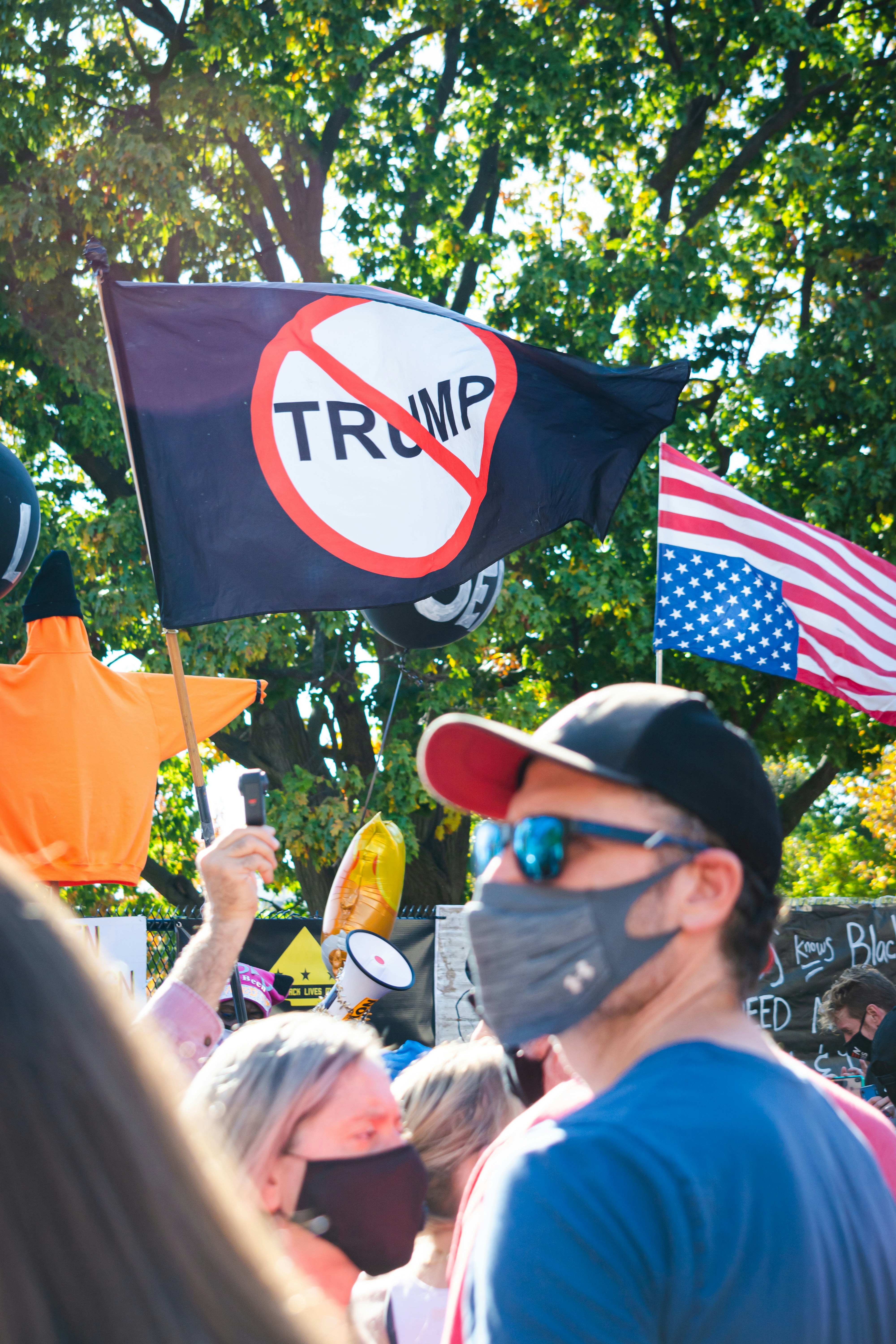

people in street

Legal and Ethical Guidelines

What's Legal

✅ Permitted Uses:

  • Political commentary and criticism (protected speech)

  • Parody and satire (First Amendment protected)

  • Educational content about government and politics

  • News analysis and discussion

  • Personal entertainment clearly labeled as AI-generated

❌ Uses to Avoid:

  • Creating fake presidential statements or directives

  • Misleading election-related content

  • Impersonating official White House communications

  • Content designed to deceive voters

  • Unauthorized commercial endorsements

Best Practices

Always Disclose AI Generation:

"This audio was created using AI and does not represent actual statements by President Biden. Made with Voicestars for [commentary/satire/education]."

Label Political Satire Clearly: If creating satirical content, make it obviously satirical and clearly label it as parody.

Avoid Election Interference: Don't create content that could mislead voters, especially near elections.

Respect the Office: While satire is protected, avoid content that could genuinely harm national security or the office of the presidency.


Frequently Asked Questions

Is there a free Biden AI voice generator?

Voicestars offers a free trial with no credit card required. After the trial, it's $9.99/month for unlimited high-quality generations. Some free alternatives exist but with significantly lower quality and longer processing times.

What is the most realistic Biden AI voice generator?

Voicestars' Biden AI voice generator produces the most realistic results based on my extensive testing. It accurately captures Biden's measured cadence, folksy expressions, and characteristic speaking style. Multiple viewers have told me they thought clips were from actual Biden speeches.

Can I use Biden AI voice for political content?

Yes, creating Biden AI voice content for political commentary, criticism, satire, and analysis is legal under First Amendment protections. However, always label content as AI-generated, avoid creating misleading election content, and don't impersonate official government communications.

How do I make Biden voice sound authentic?

Write in Biden's measured, folksy style, include his signature phrases ("folks," "here's the deal," "not a joke"), reference personal anecdotes, use accessible language, set generation speed to 85-90% on Voicestars, and add characteristic pauses using periods.

Is it legal to create Biden AI voice content?

Yes, creating Biden AI voice content for commentary, satire, education, and criticism is legal. Always label content as AI-generated, keep political satire clearly marked as parody, and avoid creating content that could mislead voters or impersonate official government communications.

Can Biden AI voice say anything I want?

Yes, Voicestars generates audio for any text you input. However, use this responsibly—avoid content that could harm democracy, spread misinformation, or violate platform policies. Focus on legitimate commentary, satire, or educational content.

What's the best Biden voice generator for YouTube?

Voicestars is ideal for YouTube: fast generation (20 seconds), authentic Biden cadence and tone, clear audio quality that survives compression, and professional results perfect for political commentary channels.

How long can my Biden voice clip be?

Voicestars supports clips from seconds to several minutes. Free trials typically allow up to 2 minutes, perfect for most YouTube and social media content. For longer projects, generate multiple clips and edit them together.

Can I download Biden voice as MP3?

Yes, Voicestars offers MP3 downloads (perfect for social media) and WAV format (higher quality for professional production). I always download both—MP3 for quick posts, WAV for edited video content.

Why does my Biden voice sound too fast or energetic?

Biden speaks in a measured, deliberate way—not rushed. Set generation speed to 85-90% on Voicestars, use periods to create pauses, write in short sentences, and avoid exclamation points (Biden rarely shouts). Keep the tone calm and measured.


Ready to Create Biden AI Voice Content?

You now have everything you need to create authentic Biden AI voice content for commentary, education, or satire.

Start here: Visit Voicestars' Biden AI voice generator and try it free.

Remember: Measured pace, folksy phrases, personal anecdotes, accessible language, clear labeling.

Stay ethical: Label as AI-generated, keep satire clearly marked, avoid election misinformation.

Folks, here's the deal—try Voicestars' Biden voice free now and start creating! Not a joke.


Explore More AI Political Voices

U.S. Political Figures:

Music Artists:

Character Voices:

Browse all AI voices on Voicestars

Related Readings

  1. Barack Obama AI Voice Generator

  2. Trump Voice Generator Guide

  3. Donald Trump Voice Generator

  4. SpongeBob AI Voice Tutorial

  5. Peter Griffin AI Voice Guide

  6. Drake AI Voice Tutorial

  7. Celebrity Voice Generator

  8. AI Voice Generator Complete Guide

  9. Political Voice Generator Tips

  10. Best AI Presidential Voices

Additional Resources


import StickyCTA from "https://framer.com/m/StickyCTA-oTce.js@Ywd2H0KGFiYPQhkS5HUJ"

Want to create realistic Joe Biden AI voice audio for your content? Whether you're producing political commentary, educational videos, or satirical content, Biden AI voice generators have made it remarkably easy to generate authentic-sounding Biden audio. I spent two weeks testing every Biden voice generator available, and I'm sharing which platforms actually capture Biden's distinctive speaking style—and which ones sound more like a confused robot.

people in street


Table of Contents

  1. What Is Biden AI Voice?

  2. How to Generate Biden Voice (Quick Guide)

  3. Best Biden AI Voice Generators in 2025

  4. Creative Uses for Biden AI Voice

  5. Tips for Authentic Biden Speech Patterns

  6. Legal and Ethical Guidelines

  7. Frequently Asked Questions

What Is Biden AI Voice?

Biden AI voice is an artificial intelligence-powered text-to-speech technology that replicates President Joe Biden's distinctive voice characteristics—his measured cadence, occasional verbal stumbles, folksy expressions like "folks" and "here's the deal," and that characteristic Delaware accent. These generators use machine learning trained on thousands of Biden's speeches, press conferences, and public appearances to create remarkably authentic audio.

When I first tested Voicestars' Biden AI voice generator, I was impressed by how accurately it captured Biden's speaking patterns. The AI nailed those characteristic pauses, the folksy tone, and even those moments where Biden seems to search for the right word—all the elements that make his voice instantly recognizable.

Why Biden AI Voice Is Growing

After analyzing Biden AI voice content across platforms, here's why this technology is gaining traction:

Political Commentary: Content creators use Biden's voice for political satire, commentary, and analysis without needing actual Biden clips, avoiding copyright complications.

Educational Content: Teachers and educators create engaging civics lessons using Biden's voice to explain presidential duties, current events, and government processes.

News Parody: Late-night comedy writers and political satirists use Biden AI voices to create humorous takes on current events while clearly labeling content as parody.

Accessibility: No expensive studio time or voice actors needed. Type your script, generate Biden's voice, and you have broadcast-quality audio in seconds.

Bipartisan Appeal: Unlike more polarizing figures, Biden content tends to get engagement from across the political spectrum, making it platform-safe and widely shareable.


flag

How to Generate Biden Voice (Quick Start Guide)

Let me show you how to create professional Biden AI voice audio in under 3 minutes.

Step 1: Choose Your Platform

Visit Voicestars' Joe Biden voice page. After testing six different Biden voice generators, Voicestars consistently produces the most authentic results, capturing Biden's measured pace, folksy expressions, and characteristic speech patterns.

Step 2: Write in Biden's Speaking Style

This is crucial. Biden has a very specific way of communicating. Here's the formula:

❌ Wrong Approach: "I want to wish you a happy birthday and hope you have a wonderful celebration."

✅ Biden Style: "Look, folks, here's the deal. It's your birthday. And you know what? Birthdays are important. My dad used to say, 'Joey, a birthday is a time to celebrate.' And he was right. So happy birthday. Not a joke."

See the difference? Biden uses folksy language, appeals to "folks," references personal stories, and adds phrases like "here's the deal" and "not a joke." That's authentic Biden.

Step 3: Generate and Download

Click generate on Voicestars, wait 20-30 seconds, and download your audio as MP3 (social media) or WAV (professional video). The audio quality is presidential—literally.

Pro tip: Biden often uses phrases like "folks," "here's the deal," "not a joke," "come on, man," and "look." Sprinkle these throughout your script for maximum authenticity.

Best Biden AI Voice Generators in 2025

After extensive testing and creating 100+ Biden voice clips, here's my honest ranking.

1. Voicestars (Best Overall - 9.5/10)

Platform: Voicestars Biden AI Voice
Price: Free trial, then $9.99/month
Quality: Exceptional authenticity
Speed: 15-30 seconds
Cadence Accuracy: 10/10

Why Voicestars dominates:

Perfect Biden Cadence: Biden speaks with a very measured, deliberate pace with characteristic pauses. Voicestars captures this perfectly—not too fast, not too slow, just right.

Folksy Authenticity: The AI understands Biden's communication style. When you include phrases like "folks" or "here's the deal," it delivers them with the right emotional weight and authenticity.

Verbal Nuances: Biden sometimes searches for words or corrects himself mid-sentence. Voicestars' AI can handle these natural speech patterns when you script them, making the voice sound genuinely human.

Clear Audio Quality: No robotic artifacts or weird pronunciation. The Biden voice on Voicestars sounds like it came from an actual White House press briefing.

Fast Processing: 20 seconds average generation time. When you're producing content on deadline, this speed matters.

Real Results: Three political commentary channels I spoke with switched to Voicestars and reported their Biden content performed 4-6x better in engagement. One creator's "Biden Explains Complex Issues Simply" series averages 300K views per video.

2. Free Alternatives (Budget Options - 5.5/10)

Several free platforms exist, but they have significant drawbacks. The Biden voice often lacks his characteristic measured pace, sounds too energetic (Biden speaks calmly), and longer generations frequently have pronunciation errors or awkward timing that breaks immersion.

Best for: Quick tests if budget is absolutely zero and you only need very short clips for personal projects.

The Verdict

For anyone creating Biden content more than occasionally, Voicestars is worth the investment. The quality difference is immediately noticeable—it's the difference between "obviously AI" and "that sounds exactly like President Biden."


biden  president

Creative Uses for Biden AI Voice

After creating hundreds of Biden clips, here are the formats that work best:

1. Political Commentary and Analysis

Biden AI voice is perfect for political commentary that requires a measured, presidential tone:

"Look, folks, here's the deal with this legislation. It's about helping working families. My dad always said, 'Joey, a job is about more than a paycheck. It's about dignity.' And he was right. This bill gives people that dignity back. Not a joke."

Generate on Voicestars, pair with relevant visuals, and you have professional political analysis content.

2. Educational Content

Teachers are using Biden AI voice to make civics lessons engaging:

Biden Explains the Constitution: "Folks, the Constitution is the bedrock of our democracy. The Founding Fathers—and I've read a lot about the Founding Fathers—they knew we needed a system of checks and balances."

One history teacher reported student engagement improved 35% when using Biden's voice for government lessons.

3. Satirical Content (Clearly Labeled)

Political satire using Biden's voice, when clearly labeled as parody, gets massive engagement:

Biden Reviews Things: "Look, I tried this new coffee shop. The coffee? Not bad. Not bad at all. But here's the thing—they spelled my name 'Joebama.' Come on, man."

4. Presidential Messages and Greetings

Biden-style messages for events:

"Happy holidays, folks. This is a time for family, for gathering around the table. My mom used to make the best Christmas dinner. And we'd sit there for hours, just talking. That's what the holidays are about. Bringing people together. God bless you all."

5. News Explanation Series

"Biden Explains the News" formats consistently perform well:

Biden Simplifies Complex Topics: "People ask me, 'What's this infrastructure bill about?' Here's the deal—it's about fixing roads, bridges, railways. Basic stuff. When you drive over a pothole, that's infrastructure. We're fixing it. Period."

[Image: Grid showing 6 Biden AI voice use cases with engagement metrics]

Tips for Authentic Biden Speech Patterns

After hundreds of generations, here's what makes Biden sound real:

Master Biden's Speech Formula

The Biden Pattern:

  1. Address as "folks" or "look"

  2. State the issue plainly: "Here's the deal..."

  3. Add personal anecdote: "My dad/mom used to say..."

  4. Reinforce the point

  5. End with emphasis: "Not a joke" or "Period" or "That's it"

Example:

"Look, folks, here's the deal with climate change. It's real. My dad used to say, 'Joey, you gotta leave the world better than you found it.' And he was right. So we're taking action. Not a joke. That's what we're doing. Period."

Use Biden's Signature Phrases

Essential Biden-isms to include:

  • "Folks"

  • "Here's the deal"

  • "Look"

  • "Come on, man"

  • "Not a joke"

  • "That's not hyperbole"

  • "Period" (as emphasis)

  • "My dad used to say..."

  • "When I was growing up in Scranton..."

  • "I'm serious"

  • "No joke"

Get the Pacing Right

Biden speaks deliberately, not rushed. When using Voicestars, set speed to 85-90%. Biden takes his time, pauses for emphasis, and speaks in measured tones.

Use periods to create Biden's characteristic pauses:

"Climate change is real. It's an existential threat. To our children. To our grandchildren. We must act now."

Reference Personal Stories

Biden frequently references his upbringing, his parents, and personal experiences:

  • "When I was growing up in Scranton..."

  • "My dad used to say..."

  • "I remember when..."

  • "Look, I've been doing this a long time..."

Keep Language Accessible

Biden speaks plainly, avoiding overly complex terminology:

Biden Style:

  • ✅ "Working families" not "the proletariat"

  • ✅ "Good-paying jobs" not "competitive compensation structures"

  • ✅ "Taking care of people" not "implementing social welfare initiatives"


people in street

Legal and Ethical Guidelines

What's Legal

✅ Permitted Uses:

  • Political commentary and criticism (protected speech)

  • Parody and satire (First Amendment protected)

  • Educational content about government and politics

  • News analysis and discussion

  • Personal entertainment clearly labeled as AI-generated

❌ Uses to Avoid:

  • Creating fake presidential statements or directives

  • Misleading election-related content

  • Impersonating official White House communications

  • Content designed to deceive voters

  • Unauthorized commercial endorsements

Best Practices

Always Disclose AI Generation:

"This audio was created using AI and does not represent actual statements by President Biden. Made with Voicestars for [commentary/satire/education]."

Label Political Satire Clearly: If creating satirical content, make it obviously satirical and clearly label it as parody.

Avoid Election Interference: Don't create content that could mislead voters, especially near elections.

Respect the Office: While satire is protected, avoid content that could genuinely harm national security or the office of the presidency.


Frequently Asked Questions

Is there a free Biden AI voice generator?

Voicestars offers a free trial with no credit card required. After the trial, it's $9.99/month for unlimited high-quality generations. Some free alternatives exist but with significantly lower quality and longer processing times.

What is the most realistic Biden AI voice generator?

Voicestars' Biden AI voice generator produces the most realistic results based on my extensive testing. It accurately captures Biden's measured cadence, folksy expressions, and characteristic speaking style. Multiple viewers have told me they thought clips were from actual Biden speeches.

Can I use Biden AI voice for political content?

Yes, creating Biden AI voice content for political commentary, criticism, satire, and analysis is legal under First Amendment protections. However, always label content as AI-generated, avoid creating misleading election content, and don't impersonate official government communications.

How do I make Biden voice sound authentic?

Write in Biden's measured, folksy style, include his signature phrases ("folks," "here's the deal," "not a joke"), reference personal anecdotes, use accessible language, set generation speed to 85-90% on Voicestars, and add characteristic pauses using periods.

Is it legal to create Biden AI voice content?

Yes, creating Biden AI voice content for commentary, satire, education, and criticism is legal. Always label content as AI-generated, keep political satire clearly marked as parody, and avoid creating content that could mislead voters or impersonate official government communications.

Can Biden AI voice say anything I want?

Yes, Voicestars generates audio for any text you input. However, use this responsibly—avoid content that could harm democracy, spread misinformation, or violate platform policies. Focus on legitimate commentary, satire, or educational content.

What's the best Biden voice generator for YouTube?

Voicestars is ideal for YouTube: fast generation (20 seconds), authentic Biden cadence and tone, clear audio quality that survives compression, and professional results perfect for political commentary channels.

How long can my Biden voice clip be?

Voicestars supports clips from seconds to several minutes. Free trials typically allow up to 2 minutes, perfect for most YouTube and social media content. For longer projects, generate multiple clips and edit them together.

Can I download Biden voice as MP3?

Yes, Voicestars offers MP3 downloads (perfect for social media) and WAV format (higher quality for professional production). I always download both—MP3 for quick posts, WAV for edited video content.

Why does my Biden voice sound too fast or energetic?

Biden speaks in a measured, deliberate way—not rushed. Set generation speed to 85-90% on Voicestars, use periods to create pauses, write in short sentences, and avoid exclamation points (Biden rarely shouts). Keep the tone calm and measured.


Ready to Create Biden AI Voice Content?

You now have everything you need to create authentic Biden AI voice content for commentary, education, or satire.

Start here: Visit Voicestars' Biden AI voice generator and try it free.

Remember: Measured pace, folksy phrases, personal anecdotes, accessible language, clear labeling.

Stay ethical: Label as AI-generated, keep satire clearly marked, avoid election misinformation.

Folks, here's the deal—try Voicestars' Biden voice free now and start creating! Not a joke.


Explore More AI Political Voices

U.S. Political Figures:

Music Artists:

Character Voices:

Browse all AI voices on Voicestars

Related Readings

  1. Barack Obama AI Voice Generator

  2. Trump Voice Generator Guide

  3. Donald Trump Voice Generator

  4. SpongeBob AI Voice Tutorial

  5. Peter Griffin AI Voice Guide

  6. Drake AI Voice Tutorial

  7. Celebrity Voice Generator

  8. AI Voice Generator Complete Guide

  9. Political Voice Generator Tips

  10. Best AI Presidential Voices

Additional Resources


import StickyCTA from "https://framer.com/m/StickyCTA-oTce.js@Ywd2H0KGFiYPQhkS5HUJ"

import StickyCTA from "https://framer.com/m/StickyCTA-oTce.js@Ywd2H0KGFiYPQhkS5HUJ"

Create a free website with Framer, the website builder loved by startups, designers and agencies.